
Yooka-Replaylee (Switch 2): all the updates (latest: Ver. ???)
On this page, you will find all there is to know about the various updates for Yooka-Replaylee on Nintendo Switch 2.
Click here for more games and consoles updates!
Yooka-Replaylee – Ver. ???
- Release date: April 16th 2026
- Patch notes:
No patch notes available. This update brings the following to the game:
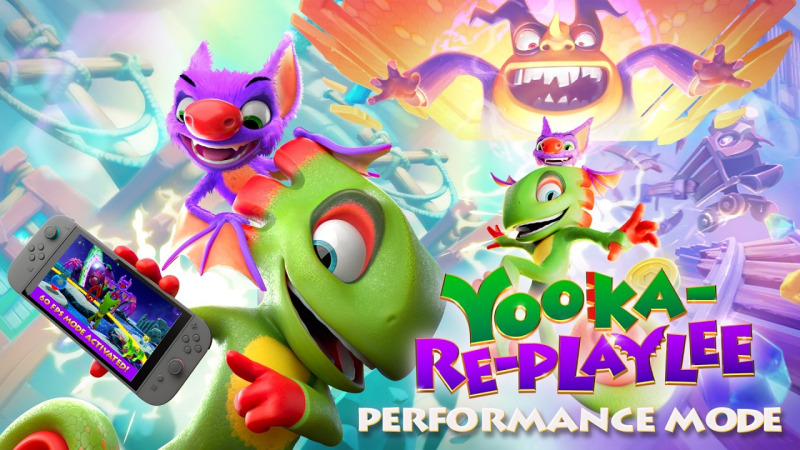
- adds Performance Mode (60fps)
- Following the update, Yooka-Replaylee will now run in Performance Mode by default, allowing players to jump straight into the 60fps action.
- Silky-Smooth 60fps: A more fluid way to explore our colourful worlds.
- Responsive Movement: Faster and more expressive platforming that feels better than ever.
- Optimised Play: General “under the hood” improvements to make the whole experience shine.
- For those who prefer a higher quality image over frame rate, we have included a “Fidelity Mode” under the options menu. Selecting this will lock the frame rate to 30fps but provides a graphical bump, ensuring the world looks its absolute best for players who value visual crispness above all else.
- Following the update, Yooka-Replaylee will now run in Performance Mode by default, allowing players to jump straight into the 60fps action.
- Additional notes: demo has also been updated!
- Source: Playtonic PR (16/04/2026)
Yooka-Replaylee – Ver. 1.02
- Release date: October 10th 2025
- Patch notes:
- You can now swap A/B in the controls menu to suit your style.
- Additional notes: none
- Source: Playtonic (Bluesky)
How to download updates for Yooka-Replaylee on Nintendo Switch 2?
To download the updates for Yooka-Replaylee, you have three options:
- let the console do its thing if you have automatic downloads activated, and didn’t completely turn it off
If not…
- try to launch the game from the Home Menu while being connected to the internet. You should get a prompt when doing so: simply follow the instructions on screen;
OR
- select the game > press either + or – to go to the Options page > select Software update > select Via the Internet.
To check that you have the latest version installed, simply select the game on the Home Menu, and press – or + to go to the Options: the version number is displayed just below the game title.
