
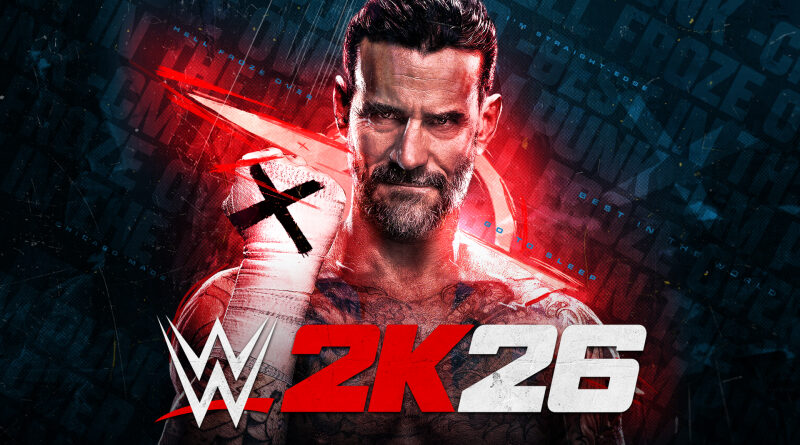
WWE 2K26 (Switch 2): all the updates (latest: Ver. 1.03)
On this page, you will find all there is to know about the various updates for WWE 2K26 on Nintendo Switch 2.
Click here for more games and consoles updates!
WWE 2K26 – Ver. 1.03
- Release date: TBA
- Patch notes:
General
- Stability and Performance improvements
Gameplay
- Addressed reported concerns over match restarts not working as intended during 3 Stages of Hell matches
Create
- Addressed reported concerns of images not mapping correctly
The Island
- Addressed reported concerns of leaderboard instability
Online
- Improvements to match stability
- Addressed reported concerns preventing custom superstars from loading in community creations
- Additional notes: none
- Source: Take-Two
How to download updates for WWE 2K26 on Nintendo Switch 2?
To download the updates for WWE 2K26, you have three options:
- let the console do its thing if you have automatic downloads activated, and didn’t completely turn it off
If not…
- try to launch the game from the Home Menu while being connected to the internet. You should get a prompt when doing so: simply follow the instructions on screen;
OR
- select the game > press either + or – to go to the Options page > select Software update > select Via the Internet.
To check that you have the latest version installed, simply select the game on the Home Menu, and press – or + to go to the Options: the version number is displayed just below the game title.
