
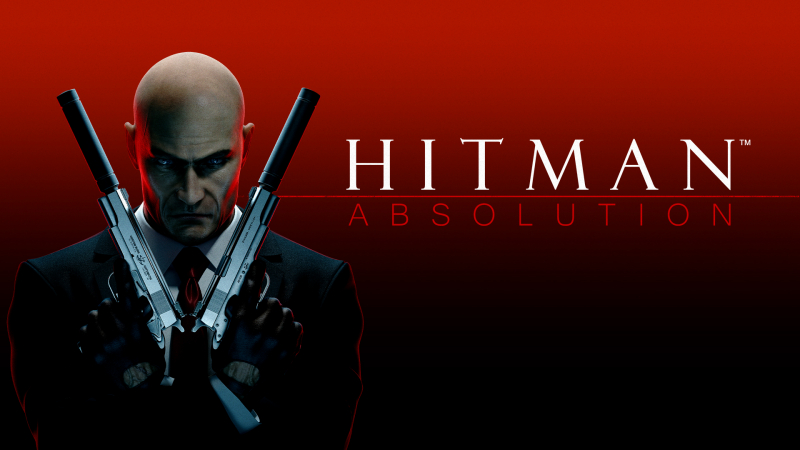
Hitman: Absolution (Switch): all the updates
On this page, you will find all there is to know about the various updates for Hitman: Absolution on Nintendo Switch.
Click here for more games and consoles updates!
Hitman: Absolution – Ver. ???
- Release date: June 9th 2026
- Patch notes:
No patch notes available. This update brings the following to the game:
- adds Contracts mode
- In Contracts mode, players create their own assassination assignments by selecting up to three marks from any of the game’s target-rich environments. Once they have eliminated them in their signature style, they can publish their Contract online for others to challenge. The weapons and disguises used set the Contract’s standard, while meeting bonus conditions like hiding bodies and avoiding detection will boost their score.
- Bragging rights are up for grabs, with online leaderboards for individual Contracts as well as broader rankings tracking the world’s deadliest and richest assassins. If players want a Contract’s full payout — with which they can unlock new weapons and disguises for use in their own Contracts — they’ll need to match or surpass the creator’s performance.
- A regularly updated list of Featured Contracts is also available, comprising those designed by the Feral Interactive team as well as player-created assignments highlighted for their novel or challenging approaches. Players may also invite their friends to time-limited Competitions to see who can best execute a specific Contract in the allotted time.
- Additional notes: none
- Source: Feral Interactive PR (14/05/2026)
How to download updates for Hitman: Absolution on Nintendo Switch?
To download the updates for Hitman: Absolution, you have three options:
- let the console do its thing if you have automatic downloads activated, and didn’t completely turn it off
If not…
- try to launch the game from the Home Menu while being connected to the internet. You should get a prompt when doing so: simply follow the instructions on screen;
OR
- select the game > press either + or – to go to the Options page > select Software update > select Via the Internet.
To check that you have the latest version installed, simply select the game on the Home Menu, and press – or + to go to the Options: the version number is displayed just below the game title.
