
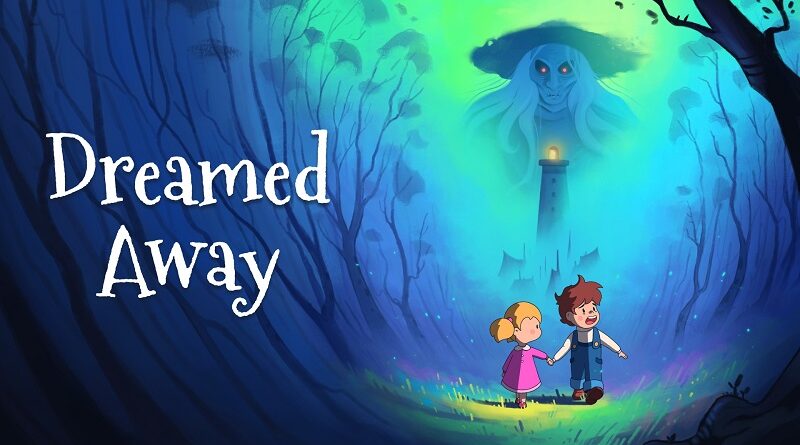
Dreamed Away (Switch): all the updates (latest: Ver. 1.2.0)
On this page, you will find all there is to know about the various updates for Dreamed Away on Nintendo Switch.
Click here for more games and consoles updates!
Dreamed Away – Ver. 1.2.0
- Release date: November 7th/8th 2025
- Patch notes:
- Reduce the amount of Jellyfish in chapter 3
- Reduce the stats and improve the difficulty of the Jellyfish fight in Reality mode
- Lower the difficulty of the boss fight in chapter 5 (all difficulty modes)
- Lower the difficulty of the optional boss fight in chapter 6 (all difficulty modes)
- Slightly lower stats of the final boss fight
- Limit some of the patterns of the final boss fight to Nightmare mode
- Additional notes: none
- Source: Nicolas Petton (Steam)
Dreamed Away – Ver. 1.1.0
- Release date: October 30th/31st 2025
- Patch notes:
Bugfixes
- Fixed a rare softlock case after a game over
Improvements
- Added accessibility options for disabling flashing lights and camera shake
- Several improvements in chapters 4 and 5 to streamline it and avoid unnecessary backtracking
- Added hints for some puzzles in chapter 2
Localization updates
- Traditional & Simplified Chinese
- Brazilian Portuguese
- Ukrainian
- Additional notes: none
- Source: Nicolas Petton (Steam)
Dreamed Away – Ver. 1.0.16
- Release date: ???
- Patch notes:
No patch notes available.
- Additional notes: none
- Source: game
How to download updates for Dreamed Away on Nintendo Switch?
To download the updates for Dreamed Away, you have three options:
- let the console do its thing if you have automatic downloads activated, and didn’t completely turn it off
If not…
- try to launch the game from the Home Menu while being connected to the internet. You should get a prompt when doing so: simply follow the instructions on screen;
OR
- select the game > press either + or – to go to the Options page > select Software update > select Via the Internet.
To check that you have the latest version installed, simply select the game on the Home Menu, and press – or + to go to the Options: the version number is displayed just below the game title.
