
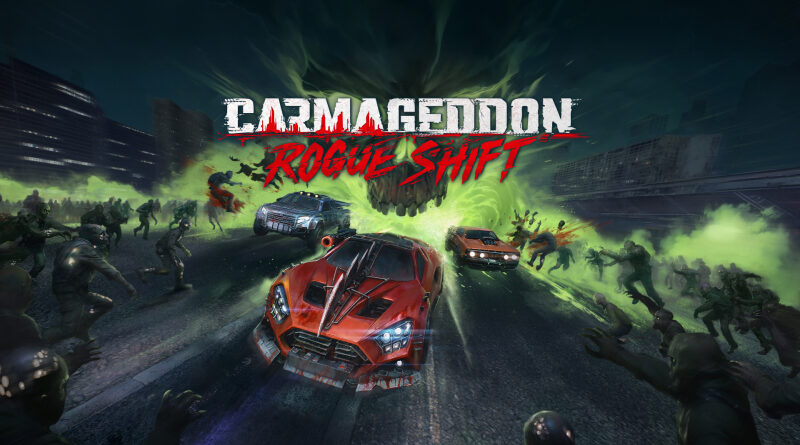
Carmageddon: Rogue Shift (Switch): all the updates (latest: Patch 1)
On this page, you will find all there is to know about the various updates for The Fox’s Way Home on Nintendo Switch 2.
Click here for more games and consoles updates!
Carmageddon: Rogue Shift – Ver. ??? (Patch 1)
- Release date: TBA
- Patch notes:
New Free Vehicle: Grosso
As a token of our gratitude for clearing out 50 million Wasted, we stole this sweet AWD ride from the Enforcers.
The Grosso’s innate perk is Lock Jammer, which gives the player a longer immunity window to Weapon Lock after evading with a Boost or a Sidebash.
To unlock the new car, simply update the game and the Grosso should already be added to your garage
Bonnet Cam
Now you can really stare into the dead eyes of the Wasted as you run them over!
To change your camera, press ‘C’ on keyboard or up on the d-pad for consoles
Improved Handling and Other Fixes
A huge thank you to everyone who tested the new handling and sent us feedback! We made a few additional adjustments based on your input from the beta, and are now rolling these updates out to the main branch.
*SOME SETTINGS MAY BE OVERRIDDEN BY THE NEW PATCH / STEERING OPTIONS. Please check your settings if anything feels strange.
And as always, let us know if we overtuned anything!
Other Fixes, Enemy AI Improvements
- We continue to work on and implement various crashes and enemy ai/behaviour improvements.
- Fixed various issues related to the Final Boss disappearing for a long time or altogether.
- Fixed the cursor drift issue while on the campaign map.
- Vehicles now load faster in the garage.
- Reworked various sound effects that typically occur during a race to improve auditory clarity.
- Additional notes: none
- Source: 34BigThings (Steam)
How to download updates for Carmageddon: Rogue Shift on Nintendo Switch 2?
To download the updates for Carmageddon: Rogue Shift, you have three options:
- let the console do its thing if you have automatic downloads activated, and didn’t completely turn it off
If not…
- try to launch the game from the Home Menu while being connected to the internet. You should get a prompt when doing so: simply follow the instructions on screen;
OR
- select the game > press either + or – to go to the Options page > select Software update > select Via the Internet.
To check that you have the latest version installed, simply select the game on the Home Menu, and press – or + to go to the Options: the version number is displayed just below the game title.
