
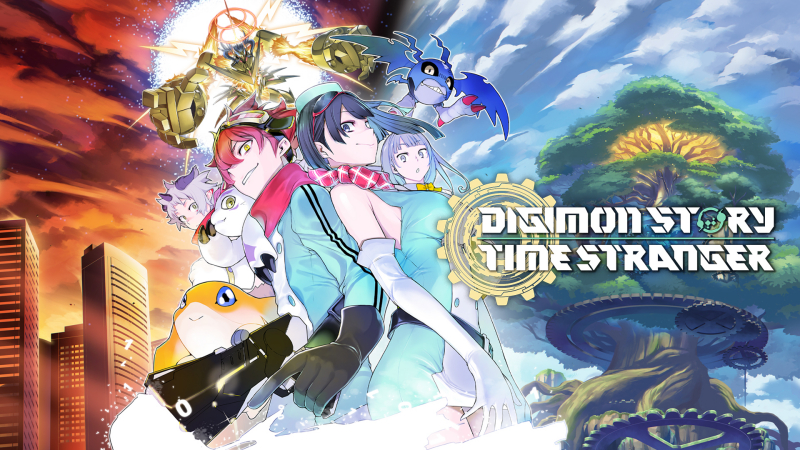
Digimon Story Time Stranger (Switch, Switch 2): all the updates (latest: Ver. 1.2.1)
On this page, you will find all there is to know about the various updates for Digimon Story Time Stranger on Nintendo Switch and Nintendo Switch 2.
Click here for more games and consoles updates!
Digimon Story Time Stranger – Ver. 1.2.1
- Release date: July 8th/9th 2026
- Patch notes:
Digimon
- Terriermon Assistant is now playable.
- This was added as a mode change option.
System
- Added Photo Mode to field exploration.
- Added a screen to the DigiFarm where you can check evolution conditions.
Fixes
- Fixed an issue occuring when performing special training in DigiFarm while your playtime has reached the maximum limit of 999 hours and 59 minutes, which would cause the remaining time countdown not to progress, therefore preventing the training from being completed.
- Fixed an issue causing the main mission “The God of Speed’s Wish” to become unplayable under specific conditions.
- Fixed other minor bugs.
Unlisted changes
- [Nintendo Switch version] Updates the graphics to the equivalent of the Nintendo Switch 2 version when playing on Nintendo Switch 2.
- You can also choose between Performance and Quality Modes.
- Quality Mode:4k, HDR, up to 30FPS
- Performance Mode: 1080p, up to 60fps
- You can also choose between Performance and Quality Modes.
- Additional notes: none
- Source: Bandai-Namco (YouTube) / Bandai-Namco
How to download updates for Digimon Story Time Stranger on Nintendo Switch and Nintendo Switch 2?
To download the updates for Digimon Story Time Stranger, you have three options:
- let the console do its thing if you have automatic downloads activated, and didn’t completely turn it off
If not…
- try to launch the game from the Home Menu while being connected to the internet. You should get a prompt when doing so: simply follow the instructions on screen;
OR
- select the game > press either + or – to go to the Options page > select Software update > select Via the Internet.
To check that you have the latest version installed, simply select the game on the Home Menu, and press – or + to go to the Options: the version number is displayed just below the game title.
