
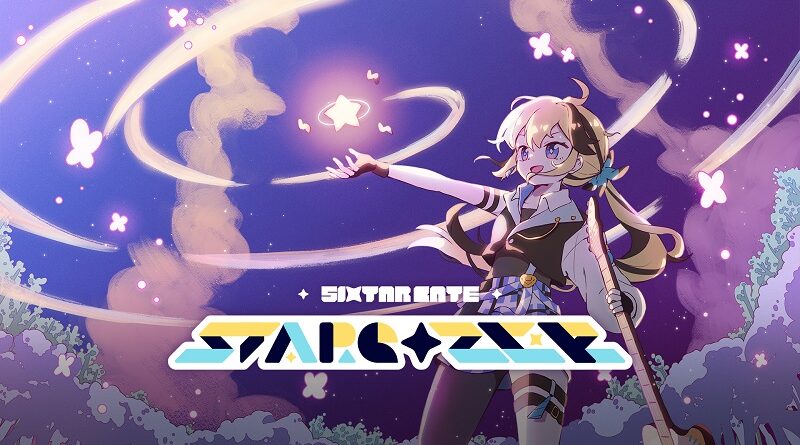
Sixtar Gate: STARGAZER (Switch): all the updates (latest: Ver. 1.0.7)
On this page, you will find all there is to know about the various updates for Sixtar Gate: STARGAZER on Nintendo Switch.
Click here for more games and consoles updates!
Sixtar Gate: STARGAZER – Ver. 1.0.7
- Release date: December 17th 2025
- Patch notes:
-
Episode 5 Now Available – The final episode of Adventure Mode is finally here! This is the end of my journey, Captain!
- Additional notes: none
- Source: Smilegate (Steam)
Sixtar Gate: STARGAZER – Ver. 1.0.6
- Release date: ???
- Patch notes:
- Episode 4 Now Available – The story continues! Episode 4 is finally unlocked and ready to play~!
- New Free Track Added – Check out “Mango Mint Sorbet” by Palami! It’s super refreshing!
- Additional notes: none
- Source: Smilegate (Steam)
Sixtar Gate: STARGAZER – Ver. 1.0.5
- Release date: ???
- Patch notes:
New Features
- Settings Renewal with Standby Feature (Live Settings) – Whoa! Now you can adjust settings on the fly! No more getting dizzy trying to remember what you wanted to change!
- Sync Value Adjustment – You can now fine-tune sync values in the settings! Perfect timing, just like my guitar solos~!
- Settings Access in Mode Select – Open settings right from the mode select scene! So convenient~!
Bug Fixes
- Travel Mode Text Issue – Fixed that annoying problem where text would peek through behind the scene title during music selection scrolling. I totally rocked that fix!
- Additional notes: none
- Source: Smilegate (Steam)
Sixtar Gate: STARGAZER – Ver. 1.0.4
- Release date: July 18th 2025
- Patch notes:
Major Update
- Episode 3 is now available in Adventure Mode!
Fixes
- Fixed an issue where input guides weren’t displaying correctly on Steam Deck
- Optimized the system for better performance
- Additional notes: none
- Source: Smilegate
How to download updates for Sixtar Gate: STARGAZER on Nintendo Switch?
To download the updates for Sixtar Gate: STARGAZER, you have three options:
- let the console do its thing if you have automatic downloads activated, and didn’t completely turn it off
If not…
- try to launch the game from the Home Menu while being connected to the internet. You should get a prompt when doing so: simply follow the instructions on screen;
OR
- select the game > press either + or – to go to the Options page > select Software update > select Via the Internet.
To check that you have the latest version installed, simply select the game on the Home Menu, and press – or + to go to the Options: the version number is displayed just below the game title.
