
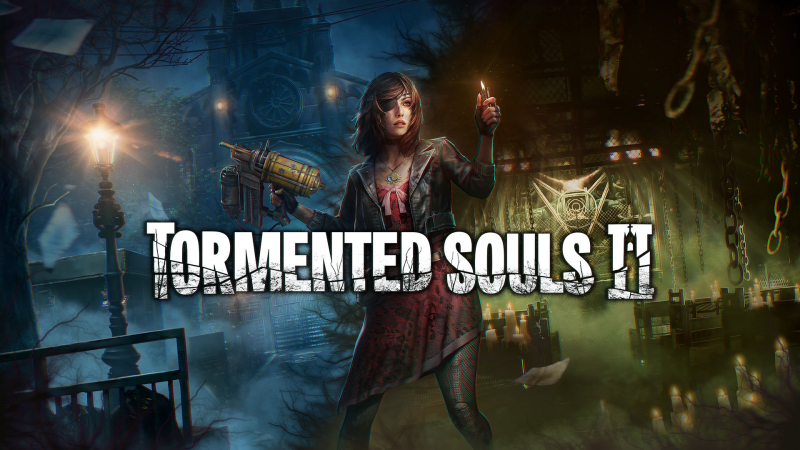
Tormented Souls 2 (Switch 2): all the updates (latest: Ver. 1.0.2)
On this page, you will find all there is to know about the various updates for Tormented Souls 2 on Nintendo Switch 2.
Click here for more games and consoles updates!
Tormented Souls 2 – Ver. 1.0.2
- Release date: November 13th/14th 2026
- Patch notes:
Gameplay
- Flamethrower aiming fixed.
- Fixed a collider that would cause enemies to levitate in the Mall Pharmacy.
- The character will no longer potentially get stuck while aiming.
- The collectible item pop-up will no longer get stuck open.
- Aiming the Joy-Con during Mouse Mode no longer gets stuck.
Controls
- Fixed ZL Zoom Out in Mouse Mode.
- Fixed Joy-Con unintentionally going into Mouse Control mode when attached to grip controllers.
Graphics and display
- Shortcut icon made smaller.
- Fixed spider webs.
UI and languages
- Pause Menu Mouse mode icon glyphs fixed.
- Map Floor Numbers fixed in German.
- Icon glyphs fixed when Caroline is grabbed by an enemy.
- 20th manual save slot is now available.
- Fixed Incorrect zoom button glyphs and input mapping when opening the map in Mouse Control mode.
- Added a setting to toggle mouse Joy-Con on/off.
- Fixed incorrect location being displayed for an empty save slot on the load game screen.
- Fixed Arabic localization missing on the map.
- Fixed Arabic localization flickering on the map.
- Additional notes: none
- Source: PQube
How to download updates for Tormented Souls 2 on Nintendo Switch 2?
To download the updates for Tormented Souls 2, you have three options:
- let the console do its thing if you have automatic downloads activated, and didn’t completely turn it off
If not…
- try to launch the game from the Home Menu while being connected to the internet. You should get a prompt when doing so: simply follow the instructions on screen;
OR
- select the game > press either + or – to go to the Options page > select Software update > select Via the Internet.
To check that you have the latest version installed, simply select the game on the Home Menu, and press – or + to go to the Options: the version number is displayed just below the game title.
