
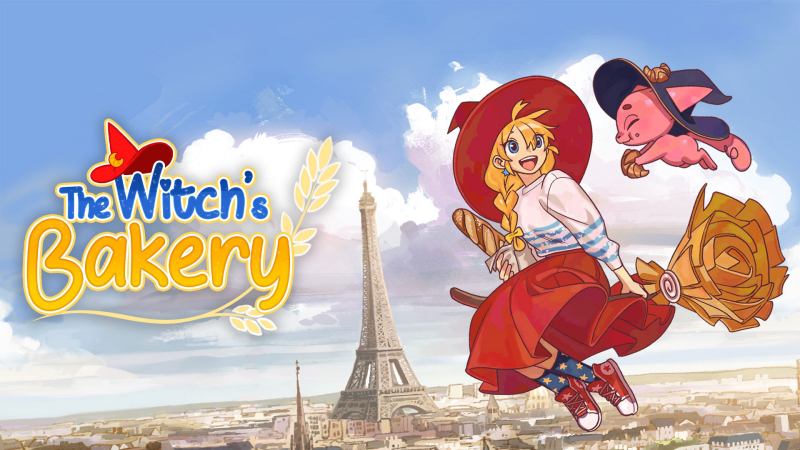
The Witch’s Bakery (Switch, Switch 2): all the updates (latest: Ver. 1.2)
On this page, you will find all there is to know about the various updates for The Witch’s Bakery on Nintendo Switch and Nintendo Switch 2.
Click here for more games and consoles updates!
The Witch’s Bakery – Ver. 1.2
- Release date: TBA
- Patch notes:
-
Jogging is now a toggle instead of a hold button!
-
When going to the park with Daniel, the energy regained will no longer be lower than it should be. (It was 150 instead of 200!)
-
Mawuli’s first heart will no longer be blocked between May 7 and May 13.
-
Mawuli will no longer be briefly sitting in mid-air when you visit his appartment during his first heart. (But it was a cool magic trick!)
-
We’ve updated an Anger Heart Dive (the bakery puzzles) to offer another possible path!
-
The phone’s audio was looping on a dialog during Chapter 3.
-
Updated Lunne’s character models in a tense scenes: she was smiling instead of being concerned. (come on, Lunne…)
-
It’s no longer possible to access the customisation shop during tense moments of the story. We love decorating, but maybe not at the time haha!
-
We fixed a few typos in English, French and Chinese – thank you for letting us know
- Fixed Estelle’s relationship blocker.
- Workaround:
- When you fill Estelle’s second heart, at some point, she will invite you to the theater.
- Here, you can choose to go with her directly, or wait for later.
- IF you choose to go with her directly, you will go to the theater directly.
- Early in the dialog at the theater, Estelle’s Art preference is unlocked and, there’s a choice, and THIS IS WHERE YOU CAN GET LOCKED!
- You MUST pick the top branch, where Lunne says “You’ve always struck me as a poet”. The bottom “humbling” branch is where the bug happens.
- Workaround:
How to download updates for The Witch’s Bakery on Nintendo Switch and Nintendo Switch 2?
To download the updates for The Witch’s Bakery, you have three options:
- let the console do its thing if you have automatic downloads activated, and didn’t completely turn it off
If not…
- try to launch the game from the Home Menu while being connected to the internet. You should get a prompt when doing so: simply follow the instructions on screen;
OR
- select the game > press either + or – to go to the Options page > select Software update > select Via the Internet.
To check that you have the latest version installed, simply select the game on the Home Menu, and press – or + to go to the Options: the version number is displayed just below the game title.
