
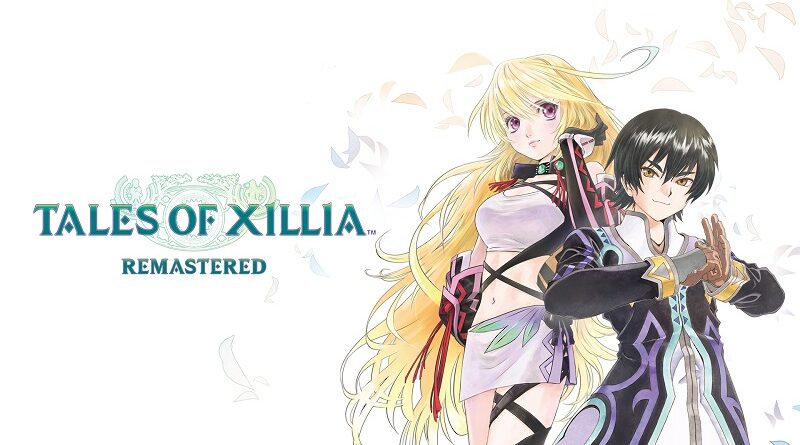
Tales of Xillia Remastered (Switch): all the updates (latest: Ver. 1.0.3)
On this page, you will find all there is to know about the various updates for Tales of Xillia Remastered on Nintendo Switch.
Click here for more games and consoles updates!
Tales of Xillia Remastered – Ver. 1.0.3
- Release date: February 4th/5th 2026
- Patch notes:
- Fixed an issue where the explanation video would pause, and game progression would become impossible after changing categories in the Battle Book.
- Fixed an issue that would prevent game progression when changing the item to be used in “Menu -> Strategy -> Auto-Item”
- Fixed an issue that would prevent game progression during the encounter animation when starting a coliseum that has already been cleared with the “Event Skip” setting on.
- Fixed an issue where the diagonal inputs were too sensitive when inputting “quick-step” in battle.
- Fixed an issue where adjusting the volume in “Menu -> System -> Options-> Sound” didn’t change the volume output.
- Adjusted BGM volume for some songs in the “Battle BGM Pack.”
- Fixed an issue where a character’s hair would disappear when changing to normal attire from a specific equipment set.
- Fixed an issue where using the “mine” action in the Felgana Mines prevents players from progressing further when a certain button is mapped to the “talk” action.
- Fixed an issue where the total play time counter would stop increasing after a certain value
- Fixed several graphical issues.
- Fixed several typographical errors in the subtitles.
- Fixed various other issues that would prevent game progression.
- Additional notes: none
- Source: Bandai-Namco
Tales of Xillia Remastered – Ver. 1.0.2
- Release date: December 21st/22nd 2025
- Patch notes:
-
-
- Fixed an issue where game progression became impossible when returning to the top menu after changing the order of your party members.
- Fixed an issue where progression became impossible after swapping multiple times to adjacent maps on the Location Map.
- Fixed an issue where game progression became impossible when making contact with an enemy right as it is about to disappear from the map.
- Fixed an issue where a certain character’s motion would stop after viewing Enemy Data after a specific boss fight.
- Fixed an issue where items that require you to select a target from the menu (suchas Gels and herbs) would become unusable when your party members leave the party, and only the main character remains.
- Fixed several graphical issues.
- Fixed various other issues that would prevent game progression.
-
- Additional notes: none
- Source: Bandai-Namco
Tales of Xillia Remastered – Ver. 1.0.1
- Release date: October 29th/30th 2025
- File size: ~4.5GB
- Patch notes:
No patch notes available. This is the Day One Update, and it’s recommended to download it before starting the game.
- Additional notes: none
- Source: Bandai-Namco
How to download updates for Tales of Xillia Remastered on Nintendo Switch?
To download the updates for Tales of Xillia Remastered, you have three options:
- let the console do its thing if you have automatic downloads activated, and didn’t completely turn it off
If not…
- try to launch the game from the Home Menu while being connected to the internet. You should get a prompt when doing so: simply follow the instructions on screen;
OR
- select the game > press either + or – to go to the Options page > select Software update > select Via the Internet.
To check that you have the latest version installed, simply select the game on the Home Menu, and press – or + to go to the Options: the version number is displayed just below the game title.
