
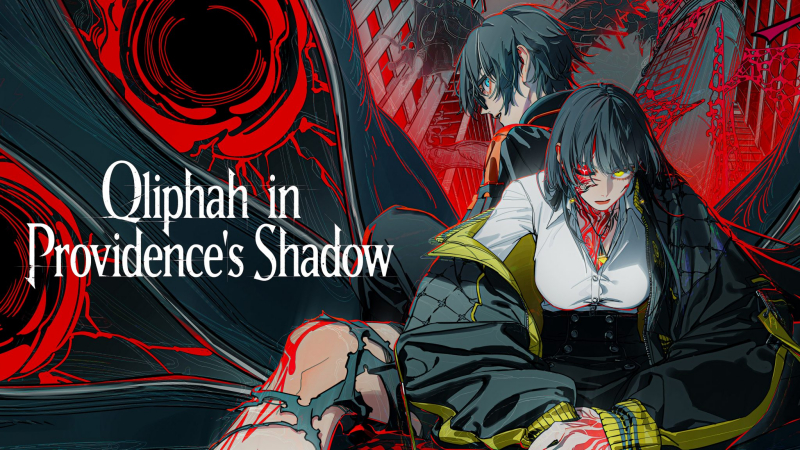
Qliphah in Providence’s Shadow (Switch): all the updates (latest: Ver. 1.0.4)
On this page, you will find all there is to know about the various updates for Qliphah in Providence’s Shadow on Nintendo Switch.
Click here for more games and consoles updates!
Qliphah in Providence’s Shadow – Ver. 1.0.4
- Release date: October 6th/7th 2026
- Patch notes:
◆ Improvements & Adjustments
- Added a practice area in the menu where you can test skills.
- Adjusted the performance of attack skills obtained during game progression to make them easier to use.
- Improved the visibility of hard-to-see attacks, such as those projected onto the ground.
- Added arrows during time stop to indicate which player an enemy is targeting.
- Added an option to change the slow-motion speed. Settings can be configured separately for normal slow-motion and sub-palette slow-motion.
◆ Bug Fixes & Issue Resolutions
- Fixed an issue where performance dropped significantly when “Very High” image quality was selected on 4K monitors. Additionally, the image quality settings have been adjusted to three levels: Low, Middle, and High.
- Removed the restriction where the “Flawless Victory” trophy (requiring an A-rank defeat on Dread difficulty) was unintentionally limited to boss fights.
- Fixed an issue in Dread difficulty where the Chapter 1 boss tutorial failed to appear. Additionally, the issue where the ‘Basic Training’ trophy could not be unlocked in certain situations has been resolved.
- Fixed an issue where attack visual effects disappeared when a large number of effects were generated on-screen.
- Fixed an issue regarding the emergency dodge skill triggered when a partner is not performing a skill, where invincibility frames lasted for an unintended duration.
◆ Other Adjustments
- Prevented the in-game date from advancing during battles in the “The Gymnasium” map.
- Added an icon next to the enemy level indicating the highest difficulty setting when playing on Dread difficulty.
- Additional notes: none
- Source: Arc System Works
How to download updates for Qliphah in Providence’s Shadow on Nintendo Switch?
To download the updates for Qliphah in Providence’s Shadow, you have three options:
- let the console do its thing if you have automatic downloads activated, and didn’t completely turn it off
If not…
- try to launch the game from the Home Menu while being connected to the internet. You should get a prompt when doing so: simply follow the instructions on screen;
OR
- select the game > press either + or – to go to the Options page > select Software update > select Via the Internet.
To check that you have the latest version installed, simply select the game on the Home Menu, and press – or + to go to the Options: the version number is displayed just below the game title.
