
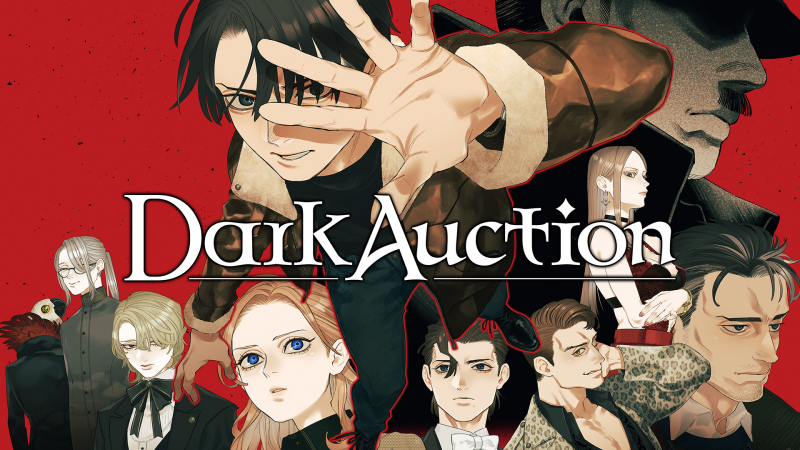
Dark Auction (Switch, Switch 2): all the updates (latest: Ver. 1.0.7)
On this page, you will find all there is to know about the various updates for Dark Auction on Nintendo Switch and Nintendo Switch 2.
Click here for more games and consoles updates!
Dark Auction – Ver. 1.0.7
- Release date: June 10th 2026
- Patch notes:
No patch notes available. This update brings the following to the game:
- adds support for Nintendo Switch 2 Edition.
- Additional notes: none
- Source: game
Dark Auction – Ver. 1.0.6
- Release date: ???
- Patch notes:
- Updated artwork on Otto’s Floor (Sun Floor)
- Minor bug fixes and overall improvements
- Additional notes: none
- Source: Izanagi Games (Steam)
Dark Auction – Ver. 1.0.5
- Release date: ???
- Patch notes:
New Features Have Been Added to Dark Auction!
This update adds new features that are unlocked after completing the game.
If you already have a cleared save file, you can check out the new features from the title screen after updating.
Chapter Select
Start playing from the beginning of any chapter in the game.
Gallery
View illustrations used in event scenes from the main story.
In addition to the new features, the artwork displayed on Edgar’s floor has been updated.
We have also applied minor bug fixes and overall improvements.
- Additional notes: none
- Source: Izanagi Games (Steam)
Dark Auction – Ver. 1.0.4
- Release date: ???
- Patch notes:
- Updated the artwork for “Girl with Flowers”.
- Fixed an issue with screen resolution when playing in fullscreen mode.
- Minor bug fixes and overall improvements
- Additional notes: none
- Source: Izanagi Games (Steam)
Dark Auction – Ver. 1.0.3
- Release date: ???
- Patch notes:
- Fixed an issue where the title screen would not display after the system resumed from sleep mode.
- Minor bug fixes and overall improvements
- Additional notes: none
- Source: Izanagi Games (Steam)
Dark Auction – Ver. 1.0.2
- Release date: ???
- Patch notes:
- Minor bug fixes and overall improvements
- Additional notes: none
- Source: Izanagi Games (Steam)
How to download updates for Dark Auction on Nintendo Switch and Nintendo Switch 2?
To download the updates for Dark Auction, you have three options:
- let the console do its thing if you have automatic downloads activated, and didn’t completely turn it off
If not…
- try to launch the game from the Home Menu while being connected to the internet. You should get a prompt when doing so: simply follow the instructions on screen;
OR
- select the game > press either + or – to go to the Options page > select Software update > select Via the Internet.
To check that you have the latest version installed, simply select the game on the Home Menu, and press – or + to go to the Options: the version number is displayed just below the game title.
