
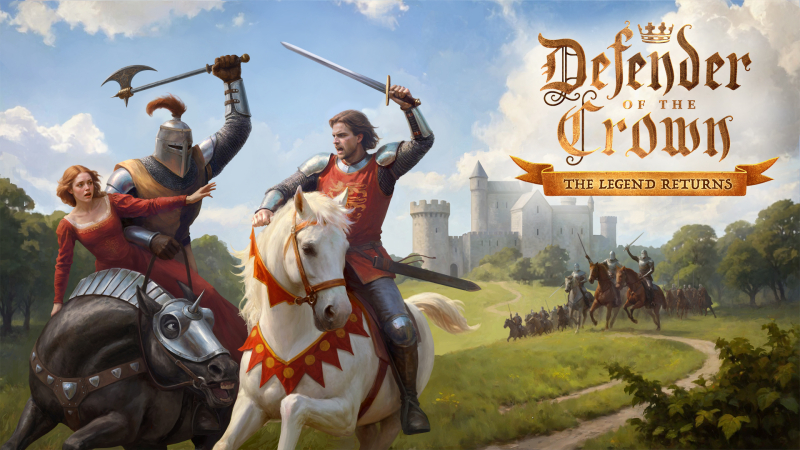
Defender of the Crown: The Legend Returns (Switch): all the updates (latest: Ver. 1.0.10)
On this page, you will find all there is to know about the various updates for Defender of the Crown: The Legend Returns on Nintendo Switch.
Click here for more games and consoles updates!
Defender of the Crown: The Legend Returns – Ver. 1.0.10
- Release date: ???
- Patch notes:
Classic mode
- Jousting rebalanced to favor players more. A lot of improvements will follow in the upcoming patches
- Opponent lords’ decisions were fixed so they no longer endlessly kidnap maidens and call for tournaments in mid-late game
- Visual cue for catapult tension added in siege
- Siege aiming precision reworked to reduce the feeling of randomness
- Aiming in sieges with the mouse wheel should work now
- Marrying a saved Saxon fair maiden now adds a Saxon land to your territories (if there is a Saxon land you don’t own, and it doesn’t have a major castle on it)
- Random events appear more evenly, and no longer appear twice in a row
Kingdom mode
- Raid speed was decreased for every difficulty
- Parrying combo progress in raids is no longer being reset on losing a roll
- Timed events have one more month to be completed
- A bug causing time event counters to skip several months after fleeing battle was fixed
- The minimum deck size is now 8 cards
General improvements
- The cursor is now locked inside the game window in minigames
- Stability and performance were improved
- Additional notes: none
- Source: Black Tower Basement / Norducrrent (Steam)
How to download updates for Defender of the Crown: The Legend Returns on Nintendo Switch?
To download the updates for Defender of the Crown: The Legend Returns, you have three options:
- let the console do its thing if you have automatic downloads activated, and didn’t completely turn it off
If not…
- try to launch the game from the Home Menu while being connected to the internet. You should get a prompt when doing so: simply follow the instructions on screen;
OR
- select the game > press either + or – to go to the Options page > select Software update > select Via the Internet.
To check that you have the latest version installed, simply select the game on the Home Menu, and press – or + to go to the Options: the version number is displayed just below the game title.
