
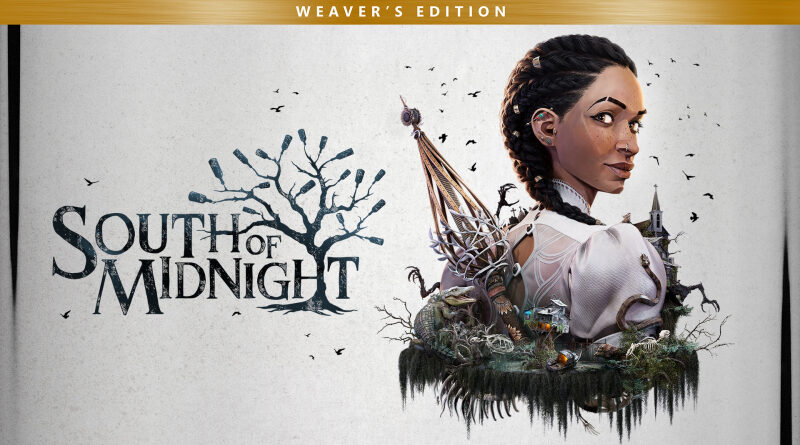
South of Midnight Weaver’s Edition (Switch 2): all the updates (latest: Ver. 1.4.0)
On this page, you will find all there is to know about the various updates for South of Midnight Weaver’s Edition on Nintendo Switch 2.
Click here for more games and consoles updates!
South of Midnight Weaver’s Edition – Ver. 1.4.0
- Release date: March 31st/April 1st 2026
- Patch notes:
Art and Camera
- Fixed texture popping during cutscene camera transitions
- Improved asset LODs across multiple areas to reduce popping and enhance visual consistency.
- Fixed specific camera and collision issues across various chapters, improving stability and visibility in tight spaces.
- Fixed specific graphic issues (i.e. spindle is overly bright in chapter 2 cinematic, Two-Toed tom model quality in chapter 4 cinematic, and more).
- Fixed various visual bugs, improving timing, stability, and overall presentation across multiple areas
Audio
- Fixed some audio de-sync & cutting (cutscene, self-talk).
Lightning Fixes
- Fixed some specific lighting issues: dynamic lighting, brightness balance, shadowing, and cinematic camera lighting.
Gameplay (Crouton has been Rescued!)
- Fixed an issue where Crouton is stuck in combat.
Crash, Performance and Memory Fix
- Lightmap resolution pass to ease memory pressure.
- Fixed specific memory crash in the chapter 1, 12 and 13.
- Fixed a specific crash at the end of Clocktower wind tunnel.
- Fixed a rendering issue at the end of credits.
- Minor performance fix on storyboard screen tearing.
- Additional notes: none
- Source: Compulsion Games
How to download updates for South of Midnight Weaver’s Edition on Nintendo Switch 2?
To download the updates for South of Midnight Weaver’s Edition, you have three options:
- let the console do its thing if you have automatic downloads activated, and didn’t completely turn it off
If not…
- try to launch the game from the Home Menu while being connected to the internet. You should get a prompt when doing so: simply follow the instructions on screen;
OR
- select the game > press either + or – to go to the Options page > select Software update > select Via the Internet.
To check that you have the latest version installed, simply select the game on the Home Menu, and press – or + to go to the Options: the version number is displayed just below the game title.
