
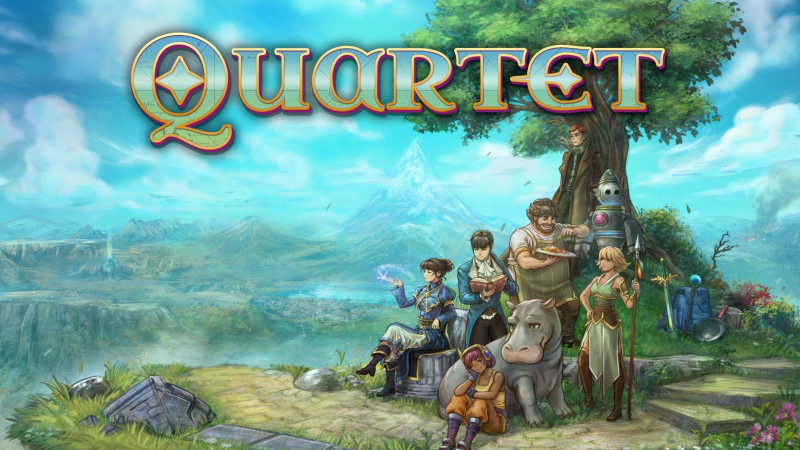
Quartet (Switch): all the updates (latest: Ver. 1.4.0c / Next: Ver. 1.5)
On this page, you will find all there is to know about the various updates for Quartet on Nintendo Switch.
Click here for more games and consoles updates!
Quartet – Ver. 1.5
- Release date: TBA
- Patch notes:
New Content
Additional Bugfixes and Improvements
-
Fixed a bug in New Game Plus where game could softlock in very specific circumstances
-
Fixed a bug allowing you to enter Gluhender’s Grotto before the quest started
-
Fixed a bug allowing you to skip a certain cutscene in Chapter 9
-
Various typo and text fixes
-
Various mapping and collision fixes
- Additional notes: none
- Source: Something Classic (Steam)
Quartet – Ver. 1.4.0
- Release date: June 13th/14th 2026
- Patch notes:
New Content
New Game Plus
Unlocked when you beat the main story. Replay the game while keeping all your levels, gear, and skills! (Pick and choose what you keep for NG+)
Nightmare Mode
Available in New Game Plus. A new difficulty mode that is for the most hardcore of players!
Dev Commentary Mode
See developer insights spread across the course of the game. Turn it on from the config menu. Contains story spoilers!
New Areas
Two new areas to find on the world map in Chapter 11. One new piece of gear and one new piece of music are added.
Misc Fixes and Polish
- Fixed an issue where debuffs would expire too quickly for some enemies (mostly birds).
- The Luck stat now improves counter rate for certain accessories.
- Trip Mine does more damage.
- The level cap for guest characters has been raised to 50.
- Wind Tower and Zrodlo puzzles have difficulty reduced in “casual” mode.
- Wind Tower final puzzle can be skipped if failed repeatedly.
- Updated missing backer name in ending credits.
- Various GPU memory usage improvements.
- Added a debug menu helper for accidental Archives softlocks.
- Fixed miscellaneous typos, text issues, oxford commas, collisions.
- Zikaron’s “Clairvoyance” now reduces the enemy’s evasion.
- A house in Seren is now accessible at the start of Chapter 11, instead of being blocked until a certain side quest is completed.
- Fixed an issue where the “interact” button would stop responding after some peripherals would disconnect/enter low power modes.
- Fixed a bug allowing you to use HP tomes on Guest Characters or heroes with 9999 Max HP in certain conditions.
- Added a debug menu option to assist with recovering from a certain softlock in Chapter 8
- Other minor visual character/map/typo fixes.
- Additional notes: none
- Source: Something Classic (Steam) / Something Classic (Steam)
How to download updates for Quartet on Nintendo Switch?
To download the updates for Quartet, you have three options:
- let the console do its thing if you have automatic downloads activated, and didn’t completely turn it off
If not…
- try to launch the game from the Home Menu while being connected to the internet. You should get a prompt when doing so: simply follow the instructions on screen;
OR
- select the game > press either + or – to go to the Options page > select Software update > select Via the Internet.
To check that you have the latest version installed, simply select the game on the Home Menu, and press – or + to go to the Options: the version number is displayed just below the game title.
