
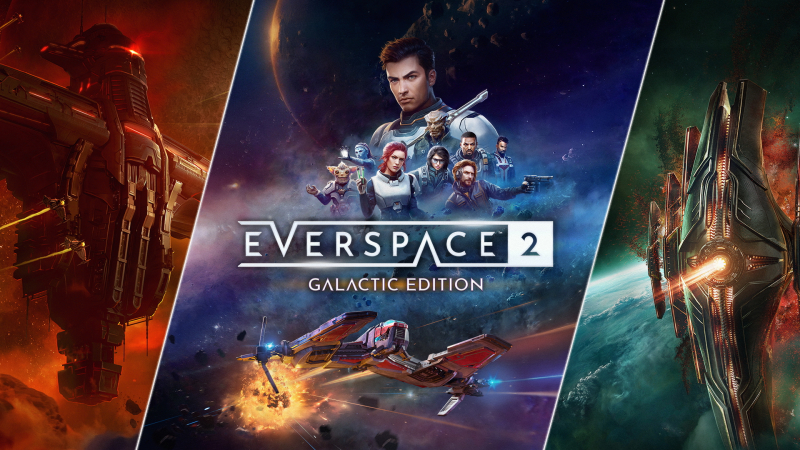
EVERSPACE 2 – Galactic Edition (Switch 2): all the updates (latest: Ver. 1.0.2 / Next: Ver. ???)
On this page, you will find all there is to know about the various updates for EVERSPACE 2 – Galactic Edition on Nintendo Switch 2.
Click here for more games and consoles updates!
EVERSPACE 2 – Galactic Edition – Ver. ???
- Release date: TBA
- Patch notes:
- Fixed an issue where ULT could get stuck when an item with a “10% chance to reset device cooldown” attribute was installed.
- Fixed unreachable shot trigger buttons in the Abidan II location.
- Fixed an issue where the mining laser in Ogni Mining Fields was cut off.
- Fixed an issue where shield and armor bars did not update properly in cockpit view.
- Fixed an issue where the resource cost of increasing an item’s level repeatedly did not match the cost shown in the UI.
- Fixed the missing animation on the right wing of the Spirit IV.
- Fixed an issue where items in the item selection overlapped when scrolling.
- [TITANS] Fixed FPS degradation in supralight when the “Inferno” weapon was installed (again).
- [WOTA] Fixed an issue where laser beams in Khordar Ruins and Altar of Churak did not fire correctly.
- [WOTA] Fixed an issue where the shield generator in the “Wreck Field” location (Rhak Homeworlds system) was indestructible.
- [WOTA] Fixed a progression blocker in “In Imroth’s Name” where the mission would break if the game was resumed from a save created during active mission tasks.
- Additional notes: none
- Source: ROCKFISH Games
EVERSPACE 2 – Galactic Edition – Ver. 1.0.2
- Release date: August 21st/22nd 2026
- Patch notes:
- Fix: Depth of field could not be set in Camera mode. Previously, whole scenes were always ‘in focus’.
- Fix: Terminology: Controller preset selection was using the word ‘Gamepad’ where ‘Controller’ should have been used.
- Fix: Terminology: removed references to the ZL button as LT in some menus
- Fix: Terminology: Icons for the sticks have been changed to show stick-like icons instead of circles
- Fix: Adjusted light settings in two locations where lighting was too bright
- Fix: Removed settings from the option menu referring to cockpit mode
- Additional notes: none
- Source: ROCKFISH Games
How to download updates for EVERSPACE 2 – Galactic Edition on Nintendo Switch and Nintendo Switch 2?
To download the updates for EVERSPACE 2 – Galactic Edition, you have three options:
- let the console do its thing if you have automatic downloads activated, and didn’t completely turn it off
If not…
- try to launch the game from the Home Menu while being connected to the internet. You should get a prompt when doing so: simply follow the instructions on screen;
OR
- select the game > press either + or – to go to the Options page > select Software update > select Via the Internet.
To check that you have the latest version installed, simply select the game on the Home Menu, and press – or + to go to the Options: the version number is displayed just below the game title.
