
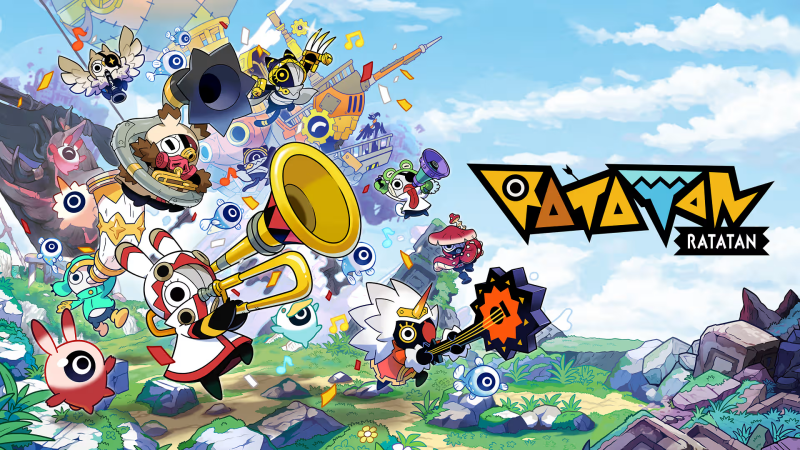
Ratatan (Switch 2): all the updates (latest: Ver. 1.1.14)
On this page, you will find all there is to know about the various updates for Ratatan on Nintendo Switch 2.
Click here for more games and consoles updates!
Ratatan – Ver. 1.1.14
- Release date: TBA
- Patch notes:
Resolved Issues [All Platforms]
Story
-
An issue in Episode 2 wherein lamps corresponding to unobtained Melodies would light up on the Bonboya Gate has been addressed.
-
The progression requirements from Episode 2 to Episode 3 have been changed.
-
Encounter events with certain enemies have been removed from the progression conditions.
1.1.14 Hotfix Onward Episode 3 Progression Requirements [Gameplay Info / Spoilers]
The following section includes specific character names and detailed steps. Please skip this section if you wish to avoid gameplay spoilers.
① For each of the following four Dark Ratatan, trigger their fifth encounter event, win that World’s boss battle, and obtain a Melody:
・Reek N. Roll
・Bork the Biter
・Funky Fang
・Midnight Knight
One Melody will be obtained from each of them in the event after winning the battle.
If defeated, that Dark Ratatan will reappear in World 1 on subsequent adventures until defeated.
② Trigger Tangletung’s fifth encounter event and obtain one Melody.
Once these conditions are met, five Melody lamps will light up on the Bonboya Gate.
Clear World 5 of Episode 2 in that state.
After the event, return to Rataport to unlock the option to select Episode 3.
In Episode 2, the following two conditions must be met:
① For each of the following four Dark Ratatan, trigger their fifth encounter event, win that World’s boss battle, and obtain a Melody:
・Reek N. Roll
・Bork the Biter
・Funky Fang
・Midnight Knight
One Melody will be obtained from each of them in the event after winning the battle.
If defeated, that Dark Ratatan will reappear in World 1 on subsequent adventures until defeated.
② Trigger Tangletung’s fifth encounter event and obtain one Melody.
Once these conditions are met, five Melody lamps will light up on the Bonboya Gate.
Clear World 5 of Episode 2 in that state.
After the event, return to Rataport to unlock the option to select Episode 3.
- Additional notes: none
- Source: Ratata Arts (Steam)
How to download updates for Ratatan on Nintendo Switch 2?
To download the updates for Ratatan, you have three options:
- let the console do its thing if you have automatic downloads activated, and didn’t completely turn it off
If not…
- try to launch the game from the Home Menu while being connected to the internet. You should get a prompt when doing so: simply follow the instructions on screen;
OR
- select the game > press either + or – to go to the Options page > select Software update > select Via the Internet.
To check that you have the latest version installed, simply select the game on the Home Menu, and press – or + to go to the Options: the version number is displayed just below the game title.
