
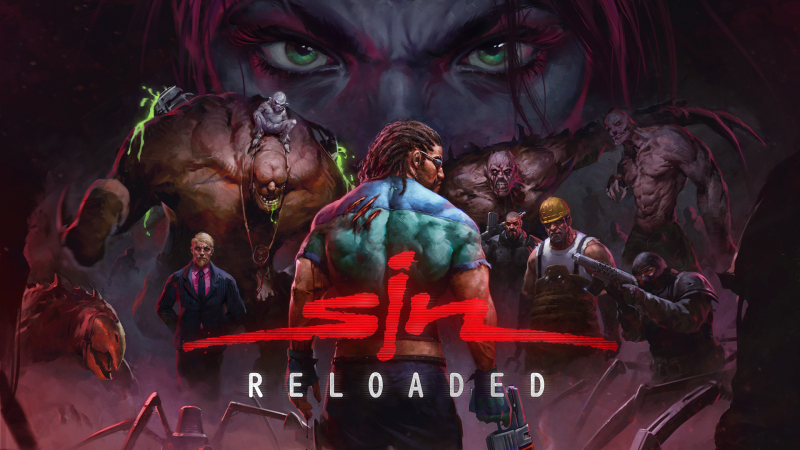
SiN Reloaded (Switch, Switch 2): all the updates (latest: Ver. 1.1)
On this page, you will find all there is to know about the various updates for SiN Reloaded on Nintendo Switch and Nintendo Switch 2.
Click here for more games and consoles updates!
SiN Reloaded – Ver. 1.1
- Release date: October 22nd/23rd 2026
- Patch notes:
General Changes/Bug Fixes
-
Added period “.” character to the on-screen terminal keyboard.
-
Fixed sniper rifle shoot sound not playing when zoomed in / disappearing when players are zoomed in.
-
The shotgun now properly performs upper and lower torso gib animations on monsters that support these. Additionally, shotguns will no longer perform a full gib if killed by pellets, fixing a balance issue with armor dropped by enemies.
-
Armor dropped by enemies can now no longer exceed the maximum pickup for Blade.
-
Game errors should properly drop to menu and not show a black screen now.
-
Vehicles will no longer build up a slight velocity while remaining idle.
-
The “attack” button must now be held for at least 100ms before skipping cutscenes. Additionally, other keys don’t trigger cutscene skips any more.
-
Function keys can now be bound, and function similarly to how they worked in vanilla.
-
Lava will no longer damage the player once after respawning.
-
The movement keys bound for the player can now be used to move the cursor in terminals.
-
Bikes no longer cause a crash in certain circumstances.
-
Loading a quicksave or manual save from the menu will no longer prevent music from playing. Save files made before the patch may still exhibit this issue until the current map is exited.
-
The Atari logo should no longer stutter when playing.
-
A few more textures are now censored with Streamer Mode enabled.
-
Typos in some bulletin boards fixed
Level Adjustments
-
Construction Site now includes a flashlight if Wages of Sin mode is enabled. Additionally, the pipes are dimly lit with red “safe-lights” so you don’t have to waste ammo trying to find your way around.
-
The forklift in SinTEK Warehouse should now ram through boxes and enemies more effectively instead of bouncing off of them.
-
In Biomech Security, the doors operated by the blue keycard now visually change to show you they are unlocked after grabbing the key.
-
In Biomech Labs, enemies will no longer run aimlessly around in the cutscene when Blade gets into the HC chopper.
-
In SinTEK Laboratories, you will now be granted the achievement/trophy “Nobody Suspects A Thing” even if you run past the scientist during his second appearance.
-
Many levels received fixes to doors that were crunching the player.
-
Cutscenes can no longer cause cameras to spot you in Shipyard levels.
-
Mancini should no longer run towards the player in Abandoned Buildings.
-
Several audio cues have had their volumes adjusted in many levels. This is still ongoing, and ambient noises will be addressed in a future patch.
-
In Shipyards at Night, a specific ladder near the ship will no longer block the player from climbing.
-
In Shipyards at Night, a specific camera’s view range has been fixed.
-
In Waterworks, the easter egg with Eon & Peon should no longer be exploitable to stunlock him.
-
In Jungle Pass, a turret that was underneath rubble if you blew up the Geothermal Plant would still shoot the player. It has been removed in this situation.
-
In Jungle Wilds, a few instances of the red mutants getting stuck on the level geometry has been fixed.
-
In the Recycling Facility, a meat shredder will actually shred the player while it is turned on.
-
In Further Underground, a U4 canister, when shot, would levitate out of the pool of radioactive sludge.
Multiplayer Adjustments
- Fixed hoverbike lasers shooting at incorrect angles when looking up or down.
-
Fixed a crash when ending the match in Hoverbike Deathmatch.
-
Lowered Chaingun damage in deathmatch from 32 to 24.
-
Lowered default multiplayer tick rate from 40 to 20.
- Additional notes: none
- Source: Nightdive Studios (Steam)
How to download updates for SiN Reloaded on Nintendo Switch and Nintendo Switch 2?
To download the updates for SiN Reloaded, you have three options:
- let the console do its thing if you have automatic downloads activated, and didn’t completely turn it off
If not…
- try to launch the game from the Home Menu while being connected to the internet. You should get a prompt when doing so: simply follow the instructions on screen;
OR
- select the game > press either + or – to go to the Options page > select Software update > select Via the Internet.
To check that you have the latest version installed, simply select the game on the Home Menu, and press – or + to go to the Options: the version number is displayed just below the game title.
