
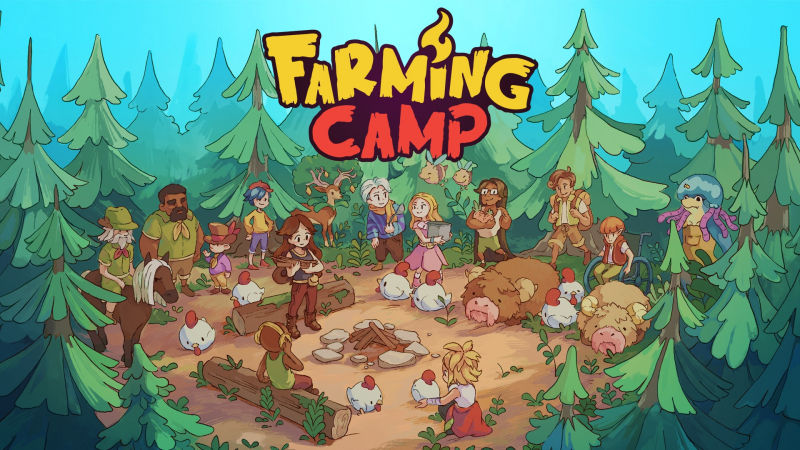
Farming Camp (Switch): all the updates (latest: Ver. 1.1.0)
On this page, you will find all there is to know about the various updates for Farming Camp on Nintendo Switch.
Click here for more games and consoles updates!
Farming Camp – Ver. 1.1.0
- Release date: TBA
- Patch notes:
Fixes
- Fixed an issue where players could get stuck on the evening of Day 21 after leaving the barn. [Progression blocker]
- Fixed a dialogue freeze occurring on the afternoon of Day 6 during the first week’s competition ending when playing in Korean. [Progression blocker]
- Fixed a dialogue freeze between Alessandra and Jefferson on Day 5 at the barn when playing in Polish. [Progression blocker]
- Fixed an issue where barn animals’ petting needs would reset after loading a save file.
- Fixed an issue where barn food and water containers would reset their fill levels after loading a save file.
- Fixed an issue where animals would not sleep when loading a save file from inside the barn.
Improvements
- The indicator arrow in the booking collection minigame will now disappear if players leave without completing the task.
- Barn animals will no longer display petting needs while sleeping.
- Additional notes: none
- Source: Innerfire Studios (Steam)
How to download updates for Farming Camp on Nintendo Switch?
To download the updates for Farming Camp, you have three options:
- let the console do its thing if you have automatic downloads activated, and didn’t completely turn it off
If not…
- try to launch the game from the Home Menu while being connected to the internet. You should get a prompt when doing so: simply follow the instructions on screen;
OR
- select the game > press either + or – to go to the Options page > select Software update > select Via the Internet.
To check that you have the latest version installed, simply select the game on the Home Menu, and press – or + to go to the Options: the version number is displayed just below the game title.
