
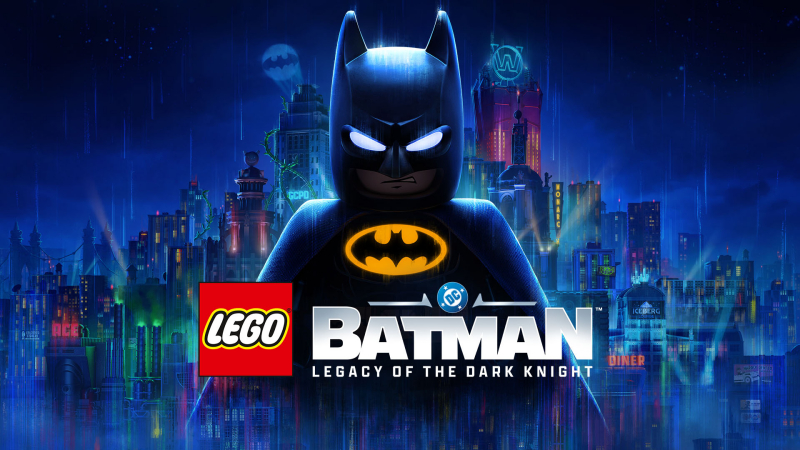
LEGO Batman: Legacy of the Dark Knight (Switch, Switch 2): all the updates (latest: Ver. ???)
On this page, you will find all there is to know about the various updates for LEGO Batman: Legacy of the Dark Knight on Nintendo Switch 2.
Click here for more games and consoles updates!
LEGO Batman: Legacy of the Dark Knight – Ver. ???
- Release date: September 30th/October 1st 2026
- Patch notes:
- Fixed issues related to Batman’s Batclaw gadget not allowing players to manually target a puzzle in Amusement Mile LBAT-1169
- Fixed issues related to players getting stuck in the sliding tunnel gameplay section when returning to The Joker & Harley Quinn’s villain hideout (Mayhem Collection DLC only) LBAT-1182
- Additional notes: none
- Source: WB Games
LEGO Batman: Legacy of the Dark Knight – Ver. ??? (Day One Update)
- Release date: September 18th 2026
- Patch notes:
- Mayhem Collection DLC is now available for Deluxe Edition owners on Nintendo Switch 2, PlayStation 5, XBOX Series X|S, and PC (Steam & Epic Games Store), including:
- The Joker and Harley Quinn as playable characters, breaking out of Arkham Asylum in a new story mission
- Mayhem Mode allowing players to causing chaos on the streets of Gotham City in new gameplay experience
- Sinister Pack of DC Super-Villains themed outfits, Batcave items, and a vehicle
- New Absolute difficulty level added as a free update for all players
- Additional optimization updates, performance improvements, and general quality of life fixes
- Additional notes: none
- Source: WB Games
How to download updates for LEGO Batman: Legacy of the Dark Knight on Nintendo Switch 2?
To download the updates for LEGO Batman: Legacy of the Dark Knight, you have three options:
- let the console do its thing if you have automatic downloads activated, and didn’t completely turn it off
If not…
- try to launch the game from the Home Menu while being connected to the internet. You should get a prompt when doing so: simply follow the instructions on screen;
OR
- select the game > press either + or – to go to the Options page > select Software update > select Via the Internet.
To check that you have the latest version installed, simply select the game on the Home Menu, and press – or + to go to the Options: the version number is displayed just below the game title.
