
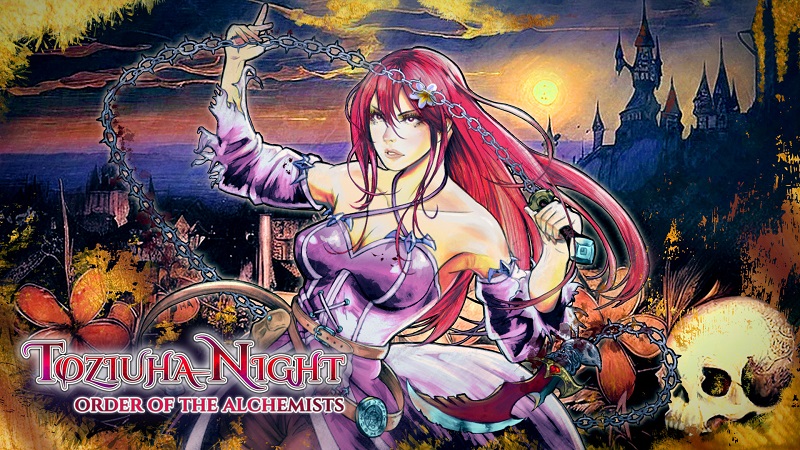
Toziuha Night: Order of the Alchemists (Switch): all the updates (latest: Ver. 1.0.4)
On this page, you will find all there is to know about the various updates for Toziuha Night: Order of the Alchemists on Nintendo Switch.
Click here for more games and consoles updates!
Toziuha Night: Order of the Alchemists – Ver. 1.0.4
- Release date: November 14th/15th 2025
- Patch notes:
- HP and MP stats have doubled after the prologue (100 pts).
- The hard mode difficulty available from the start.
- Difficulty candy translation fix
- Fixed several bug fixes reported post-release.
- The spikes in the room where you get the aerial dash will not cause instakill.
- Levelups and items that increase stats will not pause the game, so input blocking issues should be fixed.
- Translation modifications to avoid confusion about certain puzzles.
- Fixed a softlock after reaching the secret ending.
- Fixed an issue where an enemy continues to cause damage even after being defeated (requires further testing).
- In hard mode, save statues will restore health and mana.
- Fixed a bug where passive mana regeneration did not occur when in cold areas.
- Some English translations have been improved.
- Collision issues while using the gravity circuit have been fixed.
- Details of hitboxes or hurtboxes that do not activate or deactivate correctly have been fixed.
- Damage taken during the fog zone event has been reduced.
- Various crash bugs affecting Linux and Nintendo Switch have been fixed.
- An achievement for completing the bestiary 100% has been added.
- Additional notes: none
- Source: TuanisApps (Steam) / TuanisApps (Steam) / TuanisApps (Steam)
Toziuha Night: Order of the Alchemists – Ver. 1.0.1
- Release date: ???
- Patch notes:
No patch notes available.
- Additional notes: none
- Source: game
How to download updates for Toziuha Night: Order of the Alchemists on Nintendo Switch?
To download the updates for Toziuha Night: Order of the Alchemists, you have three options:
- let the console do its thing if you have automatic downloads activated, and didn’t completely turn it off
If not…
- try to launch the game from the Home Menu while being connected to the internet. You should get a prompt when doing so: simply follow the instructions on screen;
OR
- select the game > press either + or – to go to the Options page > select Software update > select Via the Internet.
To check that you have the latest version installed, simply select the game on the Home Menu, and press – or + to go to the Options: the version number is displayed just below the game title.
