
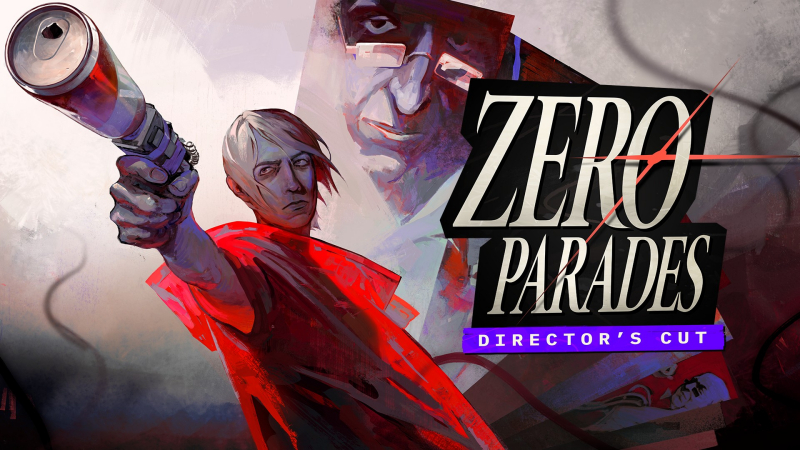
ZERO PARADES: Director’s Cut (Switch 2): all the updates
On this page, you will find all there is to know about the various updates for ZERO PARADES: Director’s Cut on Nintendo Switch 2.
Click here for more games and consoles updates!
ZERO PARADES: Director’s Cut – Ver. ???
- Release date: November 20th/21st 2026
- Patch notes:
- Fixed an issue where the last dialogue of the game with Melita would end prematurely and not roll credits if the player progressed with the disc ending and had Yana, KINDRED, and PSEUDOPOD.
- Changed the Pitol Tract Archive Room puzzle so that the Stubborn Wolf cup is also accessible in the shelve’s final configuration, meaning that you are never blocked from gaining it.
- This change is backwards compatible with existing saves so players who already had the shelves in the final configuration can return to the archive room and be able to interact with the wolf cup shelf.
- Fixed an issue where the Pitol Tract Archive Room shelves were difficult to target using a gamepad.
- Fixed an issue where choosing not to jump off the Silo during the related “Apology World Tour: 96” orbital would result in a black screen requiring a reload.
- Fixed various cases where progressing through a dialogue too quickly during transitions in dramatic encounters could result in a hang.
- Improved overall memory usage reducing graphical corruption and performance issues during especially long play sessions.
- Additional notes: none
- Source: ZA/UM (Reddit)
How to download updates for ZERO PARADES: Director’s Cut on Nintendo Switch 2?
To download the updates for ZERO PARADES: Director’s Cut, you have three options:
- let the console do its thing if you have automatic downloads activated, and didn’t completely turn it off
If not…
- try to launch the game from the Home Menu while being connected to the internet. You should get a prompt when doing so: simply follow the instructions on screen;
OR
- select the game > press either + or – to go to the Options page > select Software update > select Via the Internet.
To check that you have the latest version installed, simply select the game on the Home Menu, and press – or + to go to the Options: the version number is displayed just below the game title.
