
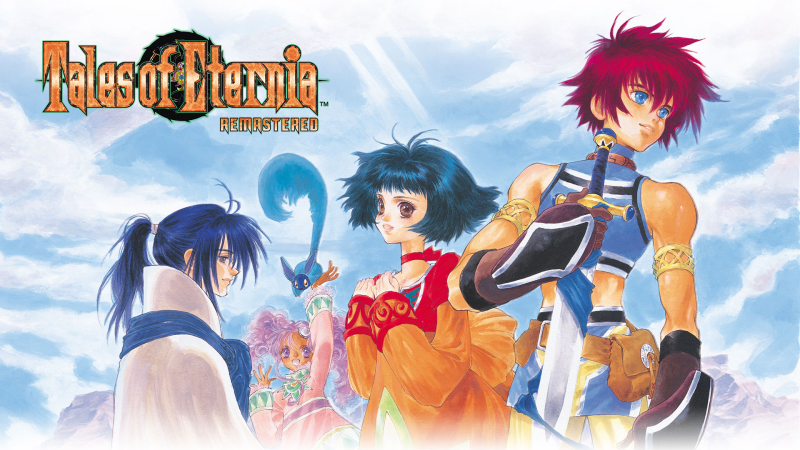
Tales of Eternia Remastered (Switch, Switch 2): all the updates (latest: Ver. 2.1.0)
On this page, you will find all there is to know about the various updates for Tales of Eternia Remastered on Nintendo Switch and Nintendo Switch 2.
Click here for more games and consoles updates!
Tales of Eternia Remastered – Ver. 2.1.0
- Release date: November 11th/12th 2026
- Patch notes:
- Fixed an issue where the effects for certain moves used by some opponents in the “Inferia Arena Tournament” sub-event were not displayed correctly.
- Fixed an issue where the attack range and effects of Ras’s move “Dragon Flash” were larger than intended.
- Fixed an issue during a sub-event at Luishka Station where, after the conversation with the conductor, the player was unable to move to the right when regaining control.
- Adjusted some text.
- Adjusted some UI elements.
- Added an Arte Shortcut feature that allows skills to be activated with a single button press.
- This can be configured via Menu > Customize > “Controls“.
- Additional notes: none
- Source: Bandai-Namco
Tales of Eternia Remastered – Ver. 2.0.0
- Release date: October 14th/15th 2026
- File size: Nintendo Switch: ~300MB / Nintendo Switch 2: ~7GB (includes full game)
- Patch notes:
- Added a “Font Style” option to switch the font of in-game text.
- This feature is only available when playing with language set to Japanese.
- Some of the text does not support this feature.
- Added “Titles” as an element you can carry over in New Game+.
- Fixed some text issues.
- Additional notes: none
- Source: Bandai-Namco
How to download updates for Tales of Eternia Remastered on Nintendo Switch and Nintendo Switch 2?
To download the updates for Tales of Eternia Remastered, you have three options:
- let the console do its thing if you have automatic downloads activated, and didn’t completely turn it off
If not…
- try to launch the game from the Home Menu while being connected to the internet. You should get a prompt when doing so: simply follow the instructions on screen;
OR
- select the game > press either + or – to go to the Options page > select Software update > select Via the Internet.
To check that you have the latest version installed, simply select the game on the Home Menu, and press – or + to go to the Options: the version number is displayed just below the game title.
