
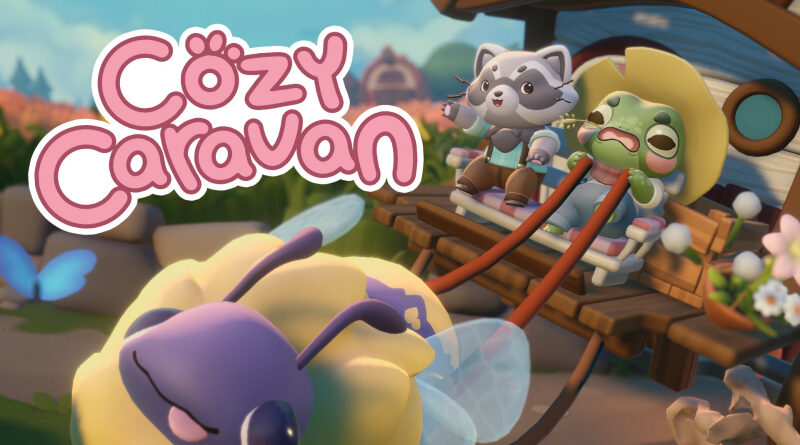
Cozy Caravan (Switch): all the updates (latest: Ver. 1.1.0.20050)
On this page, you will find all there is to know about the various updates for Cozy Caravan on Nintendo Switch.
Click here for more games and consoles updates!
Cozy Caravan – Ver. 1.1.0.20050
- Release date: ???
- Patch notes:
Rigby Accessories
For every caravan pack you’ve unlocked, there’s now a matching set of accessories to go along with it. Whether it’s some rootin’ tootin’ bee-boots or a big pastel bow, you can now coordinate yourself, your caravan and Rigby all at once!
Changes and Fixes
There are also lots and lots of changes behind the scenes. Many are boring invisible things, but here are some of the more noteworthy fixes in this build.
- Updated to newest Unity LTS version, fixing an occasional crash when exiting the game
- Updates to caravan logic to prevent it from getting stuck in some locations
- Fixed item rewards from hitchhikers sometimes causing a crash
- Fixed player responses not being formatted correctly when playing in Arabic
- Fixed a crash that could sometimes occur when ending a market
- Fixed some letters not showing the correct player name in various languages
- Additional notes: none
- Source: 5 Lives Studio (Bluesky)
Cozy Caravan – Ver. ???
- Release date: January 20th/21st 2026
- Patch notes:
No patch notes available. This update brings the following to the game:
- adds Stop-Motion Animation control in the Accessibility Settings menu
- brings bug fixes
- Additional notes: none
- Source: 5 Lives Studio (Bluesky)
How to download updates for Cozy Caravan on Nintendo Switch?
To download the updates for Cozy Caravan, you have three options:
- let the console do its thing if you have automatic downloads activated, and didn’t completely turn it off
If not…
- try to launch the game from the Home Menu while being connected to the internet. You should get a prompt when doing so: simply follow the instructions on screen;
OR
- select the game > press either + or – to go to the Options page > select Software update > select Via the Internet.
To check that you have the latest version installed, simply select the game on the Home Menu, and press – or + to go to the Options: the version number is displayed just below the game title.
