
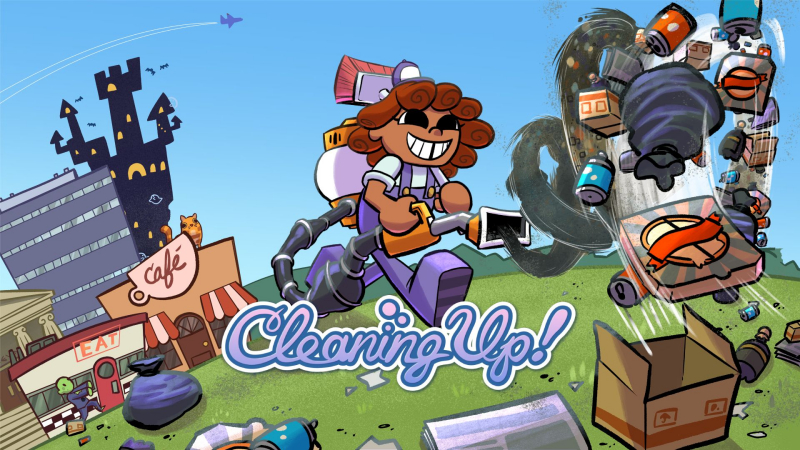
Cleaning Up! (Switch): all the updates
On this page, you will find all there is to know about the various updates for Cleaning Up! on Nintendo Switch.
Click here for more games and consoles updates!
Cleaning Up! – Ver. ???
- Release date: TBA
- Patch notes:
New Levels!
Cleaners looking for new spaces to tidy up will find 12 new levels, each bigger and longer than the base game levels. Scrub away grime in a giant sized kitchen, spray down sticky floors and spilled popcorn in a cinema, clear away colorful clutter in a blocky crafting based world and more. New levels can be selected through the “Requests+” tab.
New Hats!
What’s better than a cute hat? Even more cute hats! Each new stage offers a brand new hat for its completion with 6 new hats in total ranging from holiday themed hats to adorable graduation caps. Wear each hat in the original campaign and new stages to show dirt that cleaning gets serious when the dino hat is on.
New Pet!
Tired of cleaning alone? Why not take a cute pet piggy on each cleaning job? Available from the avatar menu, cozy cleaners who cleared the main campaign can have this adorable pet pig dutifully follow cleaners as they cleanse super messy stages. He’s cute, he doesn’t make a mess and he can tumble!
New Photo Mode!
Even the most modest cleaners need to preserve those super tidy memories and with the latest update, cleaners can take advantage of the update’s new photo mode to take detailed screenshots of pristine places or capture funny chaotic moments. The camera offers full movement through each environment to capture every messy moment.
- Additional notes: none
- Source: Unbound Creations PR (08/06/2026)
How to download updates for Cleaning Up! on Nintendo Switch?
To download the updates for Cleaning Up!, you have three options:
- let the console do its thing if you have automatic downloads activated, and didn’t completely turn it off
If not…
- try to launch the game from the Home Menu while being connected to the internet. You should get a prompt when doing so: simply follow the instructions on screen;
OR
- select the game > press either + or – to go to the Options page > select Software update > select Via the Internet.
To check that you have the latest version installed, simply select the game on the Home Menu, and press – or + to go to the Options: the version number is displayed just below the game title.
