
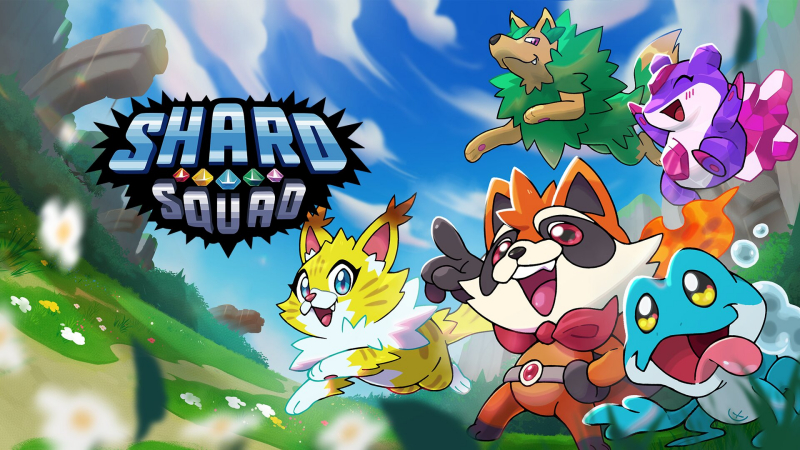
Shard Squad (Switch): all the updates (Anniversary Update)
On this page, you will find all there is to know about the various updates for Shard Squad on Nintendo Switch.
Click here for more games and consoles updates!
Shard Squad – Ver. ??? (Anniversary Update)
- Release date: TBA
- Patch notes:
No patch notes available. This update brings the following to the game:
- Adds Shard Swap Mode, a new feature that allows players to take full control of the next new shard that joins their team, while the previously controlled Shard becomes a support character. This option can be enabled or disabled at will, depending on your preferred playstyle.
- Adds Echoes of the Omen Mode, which unlocks after completing the game’s campaign.
- In this mode, players must fight through condensed versions of all eight stages in the game, one after another. Each run is designed to last around 24 minutes, and completing it unlocks the next, more challenging difficulty level. There is no cap: the challenge keeps scaling infinitely each successful try.
- Echoes of the Omen Mode will also feature its own dedicated leaderboard, highlighting the players who can conquer the mode at the highest possible difficulty level. How far can you go?
- Additional notes: none
- Source: Nuntius Games PR (28/10/2026)
How to download updates for Shard Squad on Nintendo Switch?
To download the updates for Shard Squad, you have three options:
- let the console do its thing if you have automatic downloads activated, and didn’t completely turn it off
If not…
- try to launch the game from the Home Menu while being connected to the internet. You should get a prompt when doing so: simply follow the instructions on screen;
OR
- select the game > press either + or – to go to the Options page > select Software update > select Via the Internet.
To check that you have the latest version installed, simply select the game on the Home Menu, and press – or + to go to the Options: the version number is displayed just below the game title.
