
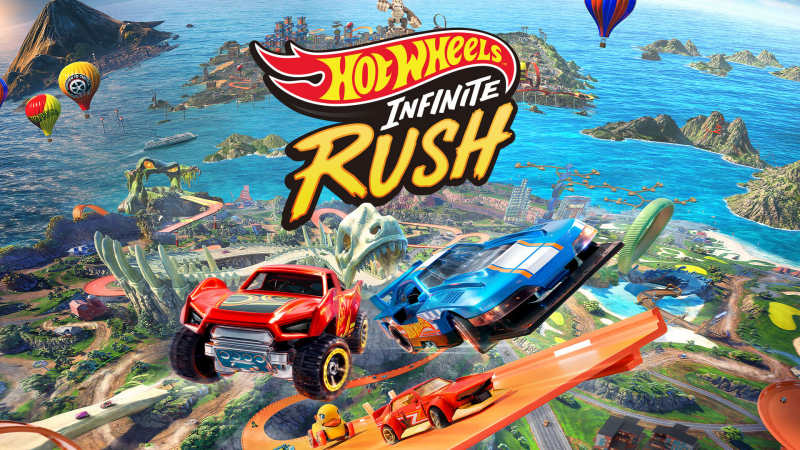
HOT WHEELS Infinite Rush (Switch 2): all the updates (latest: Ver. 1.0.4)
On this page, you will find all there is to know about the various updates for HOT WHEELS Infinite Rush on Nintendo Switch 2.
Click here for more games and consoles updates!
HOT WHEELS Infinite Rush – Ver. 1.0.4
- Release date: ???
- Patch notes:
- Updated the dialogue when launching the Livery Editor to clarify community guideline standards, specifically adding guidance regarding copyrighted content and meaningless, random character strings.
- Fixed an issue where reward vehicles and trophies/Achievements were not properly unlocked after completing all Challenge Events; missing rewards will now unlock upon logging in post-patch.
- Fixed an issue where several interactive objects failed to function during online matches.
- Fixed an issue where the boost for Titan class vehicles did not work as intended in online matches.
- Fixed driving assists not functioning correctly in Drift Master and Smashing Wheels modes.
- Fixed an issue where ghosts were not recording properly on UGC tracks. Note that this fix is not retroactive, so older track records may still lack a ghost until updated.
- Fixed an issue where certain profile vanities failed to unlock correctly; missing rewards will now unlock upon logging in post-patch.
- Fixed a typo in the vehicle name “Anthracite”.
- Added DLC indicator info in the Collection to display which add-on content a vehicle belongs to.
- Minor fixes
- Fixed a typo in the vehicle name “Anthracite”.
- Fixed an issue where ghosts were not recording properly on UGC tracks. Note that this fix is not retroactive, so older track records may still lack a ghost until updated.
- Additional notes: none
- Source: Milestone
How to download updates for HOT WHEELS Infinite Rush on Nintendo Switch 2?
To download the updates for HOT WHEELS Infinite Rush, you have three options:
- let the console do its thing if you have automatic downloads activated, and didn’t completely turn it off
If not…
- try to launch the game from the Home Menu while being connected to the internet. You should get a prompt when doing so: simply follow the instructions on screen;
OR
- select the game > press either + or – to go to the Options page > select Software update > select Via the Internet.
To check that you have the latest version installed, simply select the game on the Home Menu, and press – or + to go to the Options: the version number is displayed just below the game title.
