
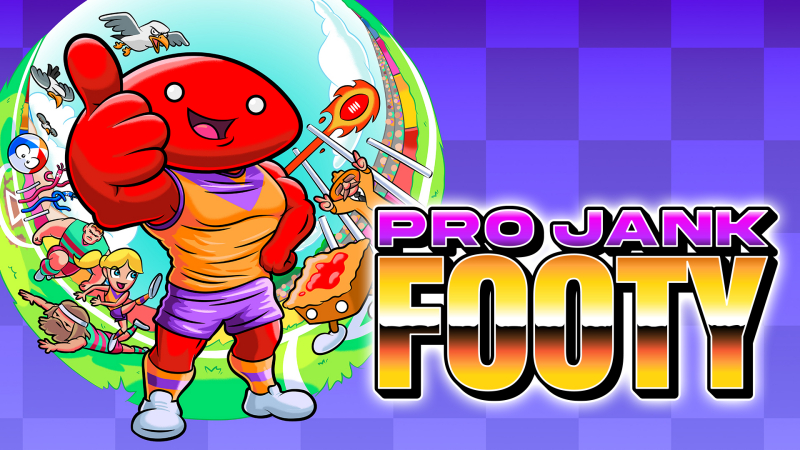
Pro Jank Footy (Switch): all the updates
On this page, you will find all there is to know about the various updates for Pro Jank Footy on Nintendo Switch.
Click here for more games and consoles updates!
Pro Jank Footy – Ver. ???
- Release date: September 13th/14th 2026
- Patch notes:
No patch notes available yet. This update brings the following to the game:
- you can now play online using room codes
- Additional notes: none
- Source: Powerbomb Games / Tinkertown (Bluesky)
Pro Jank Footy – Ver. ???
- Release date: ???
- Patch notes:
-
Online Updates: For all you online enthusiasts, we have heard the desire for matchmaking and have an early version available now. We wanted to get this into your hands as soon as possible but please note that this is a newly developed feature that has had limited time for testing. So, if you encounter any issues, please let us know and we’ll make sure to clean this up ASAP
-
No Players Left Bug: We’ve fixed a bug that would occur if you run out of powers after a goal is scored. This is now resolved and the game will now correctly end with a loss when your players are gone.
-
Music Fixes: A few fixes are in for music issues related to menus.
-
Remote Control Power Frequency: The Remote Control power up can no longer be collected from Meat Pies.
-
Additional Fixes: A few more small fixes for achievements, made it so you’re not able to handball when very close to goal (it will alway be a kick, even with a button tap) and a season mode tooltip has been added.
- Additional notes: none
- Source: Powerbomb Games / Tinkertown (Steam)
Pro Jank Footy – Ver. ???
- Release date: ???
- Patch notes:
- Player Switching: By popular demand, there is now an option in the Settings menu to disable automatic player switching. Automatic player switching is now disabled by default, so for those of you that have gotten used to this, it may feel a little different the next time you play.
- Player Switching Stickiness: We also identified a sleeper bug that was causing player switching to feel “sticky” and non-responsive at times. This has been corrected in this update.
- Pausing During Pre-Game: We recognise that it can be annoying not being able to return to the main menu from the mode and team selection screens. We have implemented a hotfix that allows players to access a simiplifed menu so they can exit from this context. Unfortunately this does not have all menu options availble here right now due to constraints surrounding our player joining flow.
- Player Switching with Bumpers: Due to some requests to be able to switch players with the L/R bumpers for parity with other popular arcade sports games, we have added this support.
- Broden: Many of you started to grow tired of Broden’s enchanting voice after time, especially in those moments he started to get a little bit repetitive. We have reduced the frequency of many power-related Broden lines by half. He’ll also talk to us less during quarter time breaks. Sorry Broden.
- Camera Patch: We received a bug report around camera behaviour and it becoming stuck. Although this wasn’t something we were able to replicate, we have made some updates that shore up camera behaviour to better protect from issues like this occurring.
- AI Difficulty: We hear you for those that are looking for more customisation in the challenge AI poses. This is definitely on our roadmap, but for now we have a dynamic difficulty system that evolves based on the state of the game. As an early improvement we can make to this behaviour, we have reduced the challenge that lower difficulties pose. In the future, you will all be able to better curate this from the Settings menu.
- Additional notes: none
- Source: Powerbomb Games / Tinkertown (Steam)
How to download updates for Pro Jank Footy on Nintendo Switch?
To download the updates for Pro Jank Footy, you have three options:
- let the console do its thing if you have automatic downloads activated, and didn’t completely turn it off
If not…
- try to launch the game from the Home Menu while being connected to the internet. You should get a prompt when doing so: simply follow the instructions on screen;
OR
- select the game > press either + or – to go to the Options page > select Software update > select Via the Internet.
To check that you have the latest version installed, simply select the game on the Home Menu, and press – or + to go to the Options: the version number is displayed just below the game title.
