
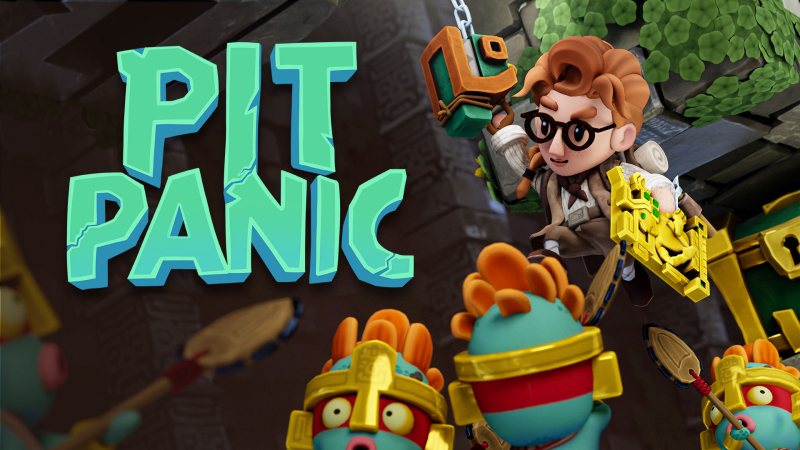
Pit Panic (Switch, Switch 2): all the updates
On this page, you will find all there is to know about the various updates for Pit Panic on Nintendo Switch and Nintendo Switch 2.
Click here for more games and consoles updates!
Pit Panic – Ver. ???
- Release date: August 3rd 2026
- Patch notes:
- Added support for Joy-Con 2 mouse controls on Nintendo Switch 2.
- Pit Panic now allows players to use either Joy-Con 2 as a mouse, with support for both left- and right-handed setups.
- Players can remap the controls and adjust the related settings directly in the game options.
- The new control scheme offers another way to tackle Pit Panic’s fast-paced platforming, digging and grappling mechanics as players attempt to escape a collapsing Aztec temple.
- Level Editor fixed
- The Level Editor is back up and running smoothly. Get back in there and continue building your masterpieces!
- The Giant Frog behaves again
- The Giant Frog is no longer indecisive. It now moves with purpose and absolute menace.
- UI and visual effects polish
- We adjusted several UI elements and visual effects based on community suggestions, improving readability while adding a little more visual flair.
- Localization updates
- We fixed several translation issues across multiple supported languages.
- Additional bug fixes
- The update also includes several smaller fixes and improvements throughout the game.
- Additional notes: none
- Source: Flying Rat Studio PR / Flying Rat Studio (Steam)
How to download updates for Pit Panic on Nintendo Switch and Nintendo Switch 2?
To download the updates for Pit Panic, you have three options:
- let the console do its thing if you have automatic downloads activated, and didn’t completely turn it off
If not…
- try to launch the game from the Home Menu while being connected to the internet. You should get a prompt when doing so: simply follow the instructions on screen;
OR
- select the game > press either + or – to go to the Options page > select Software update > select Via the Internet.
To check that you have the latest version installed, simply select the game on the Home Menu, and press – or + to go to the Options: the version number is displayed just below the game title.
