
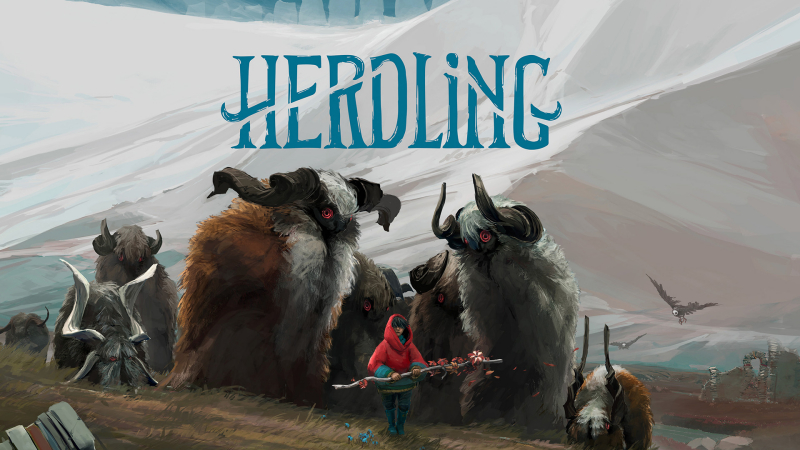
Herdling (Switch, Switch 2): all the updates (latest: Nintendo Switch 2 Edition)
On this page, you will find all there is to know about the various updates for Herdling on Nintendo Switch and Nintendo Switch 2.
Click here for more games and consoles updates!
Herdling – Ver. ??? (Nintendo Switch 2 Edition)
- Release date: November 12th 2026
- Patch notes:
The Nintendo Switch 2 Edition is now available as a paid upgrade pack in Japan:
- smoother, more stunning visuals
- enhanced resolution
- improved details
- optimized performance
- Additional notes: none
- Source: Panic (Nintendo)
Herdling – Misc. Updates
- Release date: N/A
- Patch notes:
Ver. 1.2.1
- Birch Forest: Fixed flickering trees when loading directly into the Birch Forest
- Canyon Temple: Fixed a save/load bug that hindered you from walking across the pushable in a canyon temple puzzle
- Traindepot: Optimized bridge model LOD for medium quality
- Fixed small issues in German & Swiss German localization
- Achievements: Achievements unlocked in the demo will no longer be blocked from being unlocked in the main game
- Flowers: Fixed a bug where painting flowers were spawned already and collecting them would not reveal the painting.
Ver. 1.2.3
- Resting Spots: Fixed animals sometimes not coming nicely to a resting spot. This was visible especially at the train yard fireplace when reloading a save.
- Mountain Top Resting Spot: Fix checkpoint loading after you get out of quarry. Fixed bridge collision and also the herd now joins you if you lost them on the other side of the bridge.
- Achievements: Fix achievements for tamed animals sometimes not including all animals and thus unlocking too late or not at all.
How to download updates for Herdling on Nintendo Switch and Nintendo Switch 2?
To download the updates for Herdling, you have three options:
- let the console do its thing if you have automatic downloads activated, and didn’t completely turn it off
If not…
- try to launch the game from the Home Menu while being connected to the internet. You should get a prompt when doing so: simply follow the instructions on screen;
OR
- select the game > press either + or – to go to the Options page > select Software update > select Via the Internet.
To check that you have the latest version installed, simply select the game on the Home Menu, and press – or + to go to the Options: the version number is displayed just below the game title.
