
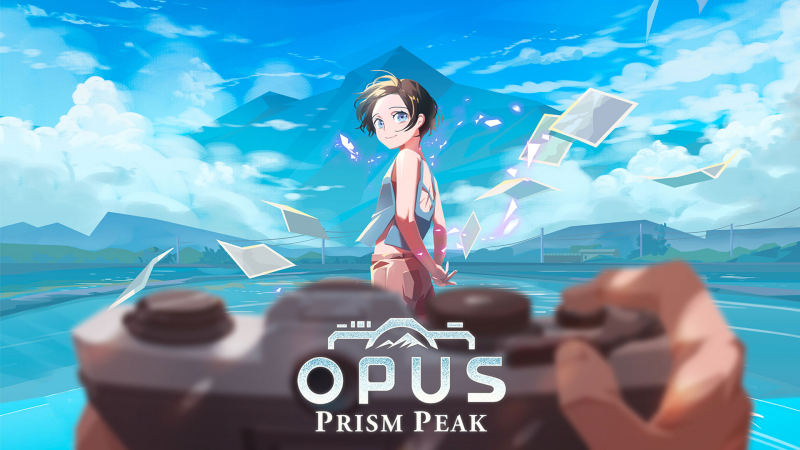
OPUS: Prism Peak (Switch, Switch 2): all the updates
On this page, you will find all there is to know about the various updates for OPUS: Prism Peak on Nintendo Switch and Nintendo Switch 2.
Click here for more games and consoles updates!
OPUS: Prism Peak – Ver. ???
- Release date: June 18th/19th 2026
- Patch notes:
Game Performance Improvements
- Optimized performance for both handheld and TV mode
- Fixed performance drop when launching in handheld mode
New Second Playthrough Items
- After clearing the game, unlock three new Camera Gears:
- SIGONO Tripod
- SIGONO Lens
- Dawnlands Lens
Friendly Mode Added
- A new feature to prevent missing important photos
- Can be toggled on/off in the settings menu
Manual Save System
- The chapter save feature has been retired
- Manual saves are now available at all Sacred Firebowls
- Existing chapter save data converts to manual save automatically
- A load button has been added to the main menu
Second Playthrough Carry-Over
- Photo achievements and notebook records carry over to subsequent playthroughs
- Story section select unlocks from the second playthrough onward
- Chapter select added to the main menu, jump to any chapter freely
New Afterstory Illustrations in Credits
- New illustrations tied to the afterstory have been added to the ending credits
Missable Content Protection
- Warnings added at each stage for missable photos
- Point of No Return notifications added so you never miss a thing
- Additional notes: none
- Source: Shueisha (Bluesky)
OPUS: Prism Peak – Ver. ???
- Release date: April 24th/25th 2026
- Patch notes:
- Minor scene, effect, and UI adjustments.
- Additional notes: none
- Source: Shueisha (Bluesky)
How to download updates for OPUS: Prism Peak on Nintendo Switch and Nintendo Switch 2?
To download the updates for OPUS: Prism Peak, you have three options:
- let the console do its thing if you have automatic downloads activated, and didn’t completely turn it off
If not…
- try to launch the game from the Home Menu while being connected to the internet. You should get a prompt when doing so: simply follow the instructions on screen;
OR
- select the game > press either + or – to go to the Options page > select Software update > select Via the Internet.
To check that you have the latest version installed, simply select the game on the Home Menu, and press – or + to go to the Options: the version number is displayed just below the game title.
