
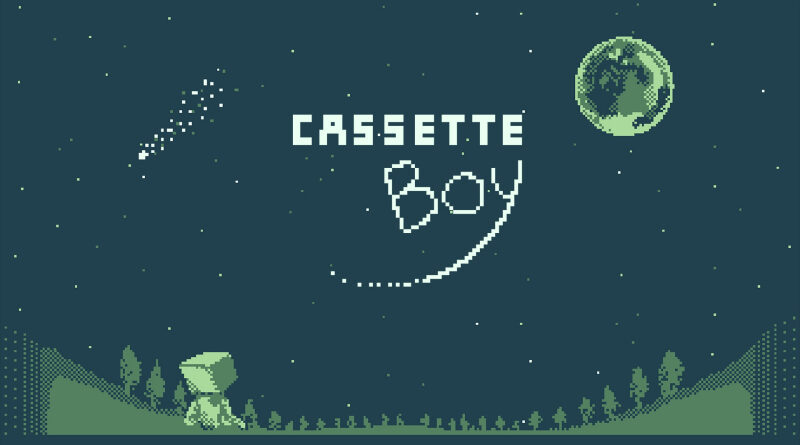
Cassette Boy (Switch): all the updates (latest: Ver. 1.0.2)
On this page, you will find all there is to know about the various updates for Cassette Boy on Nintendo Switch.
Click here for more games and consoles updates!
Cassette Boy – Ver. 1.0.2
- Release date: February 9th 2026
- Patch notes:
New Content:
- Added Korean language support.
- Added new background music to the Doctor’s Lab.
- Added stairs to the Seaside Underground.
- Added an Ancient Coin reward to Quinn’s room (500+ in Flopping).
- Added new speech bubbles:
- Tobias after the Flora boss fight and flower pickup.
- Elysia before the mouse encounter.
Balance & Adjustments:
- Adjusted drop rates for several items.
- Increased sunglasses price at Tessa’s shop from 50 to 150.
Bug Fixes:
- Fixed slime boss event visibility issues.
- Fixed cursor drifting left when using multiple copies of the same consumable.
- Fixed z-fighting in the lighthouse.
- Fixed NPC model overlap in the post clear Galactic Railway area.
- Fixed robot visibility issues from certain camera angles after going berserk.
- Fixed save issues related to final rollback.
- Fixed Flora Flower state after rollback.
- Fixed boss maximum HP after rollback.
- Fixed the doctor disappearing after handing over the circuit board.
- Fixed jumping becoming unavailable if the player jumped during a movement locking event.
- Fixed projectiles stopping intermittently when using healing items.
- Fixed final boss eye behavior.
- Fixed duplicated rock appearing in town and near the Doctor’s house under specific conditions.
- Fixed floating tree in the graveyard.
- Fixed gaps in floor geometry.
- Fixed a hole in the pond near the starting town.
- Fixed multiple mistranslations across all languages.
- Fixed multiple ladder related issues:
- Climbing sound continuing after leaving a ladder.
- Incorrect jump and slide jump behavior when exiting a ladder.
- Additional notes: none
- Source: Forever Entertainment
How to download updates for Cassette Boy on Nintendo Switch?
To download the updates for Cassette Boy, you have three options:
- let the console do its thing if you have automatic downloads activated, and didn’t completely turn it off
If not…
- try to launch the game from the Home Menu while being connected to the internet. You should get a prompt when doing so: simply follow the instructions on screen;
OR
- select the game > press either + or – to go to the Options page > select Software update > select Via the Internet.
To check that you have the latest version installed, simply select the game on the Home Menu, and press – or + to go to the Options: the version number is displayed just below the game title.
