
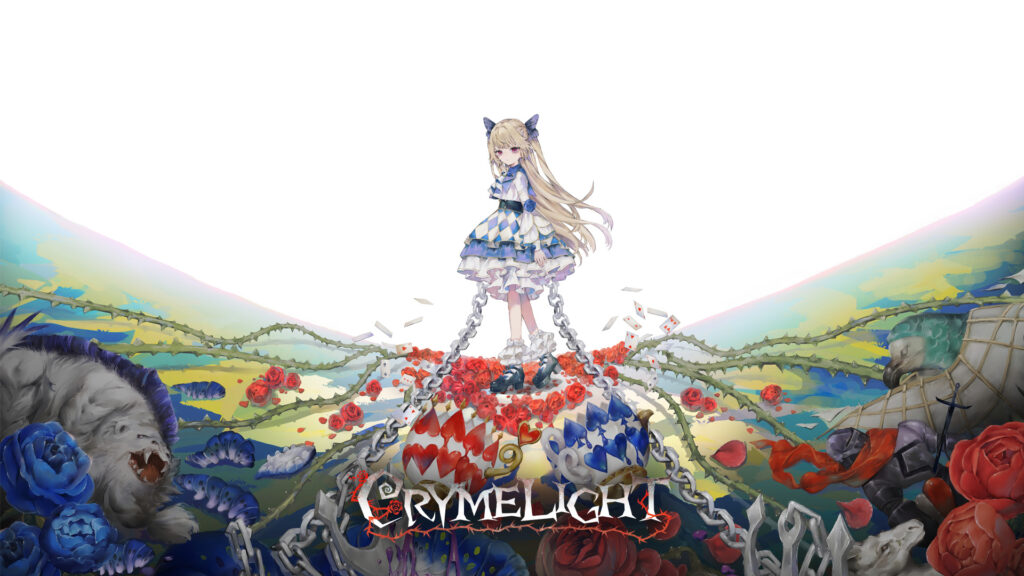
CRYMELIGHT (Switch 2): all the updates (latest: Ver. 1.0.6)
On this page, you will find all there is to know about the various updates for CRYMELIGHT on Nintendo Switch 2.
Click here for more games and consoles updates!
CRYMELIGHT – Ver. 1.0.6
- Release date: November 23rd/24th 2026
- Patch notes:
Bug Fixes
- Fixed a bug causing an infinite loading loop.
- Fixed a bug causing the game to freeze when accessing the Battle Records in the Library.
- Fixed a bug causing dummy data to be displayed on the special move selection screen.
- Fixed a bug causing sound effects to continue to play after defeating a Guardian under certain conditions.
- Fixed a bug causing sound effects to continue to play after defeating enemies with certain attacks.
- Fixed a bug causing the Guardians’s movevements to stop occasionally.
- Fixed a bug causing HP to continue to drop when entering a poisonous swamp under certain conditions.
- Fixed a bug causing sound effects to continue to play after returning to the Tea Party room.
- Fixed a bug causing the game to freeze if Dum & Dee’s HP were significantly reduced in short period of time.
- Fixed a bug causing the conditions for completing Sin Quests not to be set correctly (made corrections to the number of items required, etc.)
- Fixed a bug preventing accessories from being unlocked correctly.
- Fixed a bug causing the card effects displayed on the Sell screen to differ from the actual effects.
- Fixed a bug causing the screen to occasionally go black when using certain special moves.
- Fixed a bug causing the BGM to stop playing during the final Guardian battle.
- Fixed a bug causing the songs and titles not to match in the Sheet Music section in the Library.
- Fixed a bug causing the BGM in the Tea Party room to stop occasionally when making a confession.
- Fixed a bug causing items not to drop after defeating a Guardian under certain conditions.
- Fixed a bug preventing enemies from disappearing after being defeated by a trap.
- Fixed a bug causing the duration of an item’s effect to sometimes be longer than indicated.
- Fixed a bug causing Alice’s voice to stay at a lower volume even after returning to her original size.
- Fixed a bug causing the player to be taken to a different door after selecting a door to return to the Tea Party room.
- Fixed a bug causing voice quality to worsen when playing for a long time.
- Fixed a bug causing the game to behave abnormally when taking damage from a bear trap.
- Fixed a bug causing the game to behave abnormally when a specific enemy is thrown into a bear trap to defeat it.
- Fixed a bug preventing ??? in the Memoirs of the Dead from unlocking.
- Fixed a bug causing tracks not to play correctly in the Sheet Music section in the Library.
- Fixed a bug causing quick save not to work properly under certain conditions.
- Fixed a bug causing the number of times a bonus accessory can be upgraded not to be counted correctly.
- Fixed a bug causing the game to sometimes freeze when a special move was activated under certain conditions.
- Fixed a bug causing NEW to be displayed on all Crime Cards, making it impossible to distinguish between card you are yet to obtain.
- Fixed a bug preventing the limited-time sales from working properly.
- Fixed a bug causing the screen to turn white and get stuck when pressing the Start button under certain conditions.
- Fixed various other bugs.
Adjustments and Improvements
- Adjusted the number of enemies and their spawn rate to unlock Memoirs of the Dead.
- The number of enemies required to unlock the Memoirs of the Dead is now displayed on-screen.
- You can now select doors from your first playthrough after completing your second playthrough.
- Added visual indicators for the trajectory of strong attacks.
- Added a health gauge display on recovery squares.
- Additional notes: none
- Source: FuRyu
How to download updates for CRYMELIGHT on Nintendo Switch 2?
To download the updates for CRYMELIGHT, you have three options:
- let the console do its thing if you have automatic downloads activated, and didn’t completely turn it off
If not…
- try to launch the game from the Home Menu while being connected to the internet. You should get a prompt when doing so: simply follow the instructions on screen;
OR
- select the game > press either + or – to go to the Options page > select Software update > select Via the Internet.
To check that you have the latest version installed, simply select the game on the Home Menu, and press – or + to go to the Options: the version number is displayed just below the game title.
