
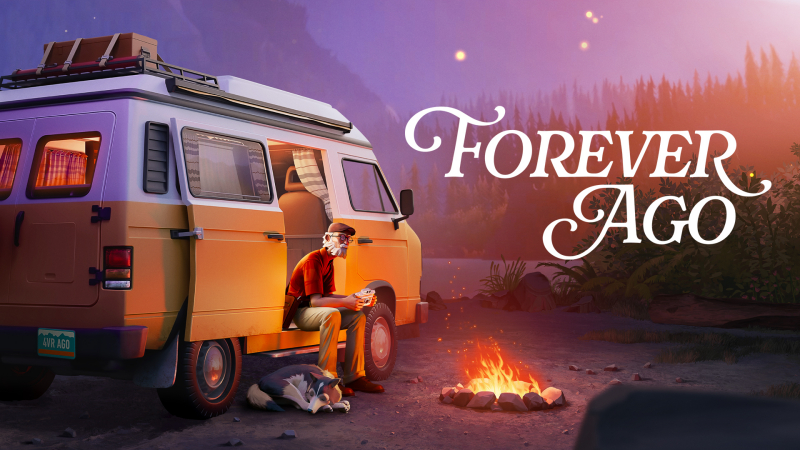
Forever Ago (Switch 2): all the updates (latest: Ver. 1685)
On this page, you will find all there is to know about the various updates for Forever Ago on Nintendo Switch 2.
Click here for more games and consoles updates!
Forever Ago – Ver. 1685
- Release date: TBA
- Patch notes:
- Optimized the sound mixing of character voices across the board. While Alfred may not be the youngest anymore, he should still be able to understand the people around him.
- Actions relevant to achievements are now correctly counted in Chapter Select as well. This is especially useful if you want to revisit chapters to collect any missing vignettes or resting opportunities.
- Fixed an issue where photos taken during gameplay would sometimes be missing from the Journal Photo Selection sequence.
- Fixed a rare issue where taking a photo within a vignette would prevent the sequence from progressing.
- Fixed various text rendering issues with Asian languages.
- Fixed an issue where Alfred’s arms would sometimes disappear when opening the Journal, making it look like he had mastered the art of telekinesis.
- Fixed an issue where look sensitivity settings were not correctly applied to the in-camera controls.
- Fixed a rare issue where a cutscene might not trigger if Alfred tightened the bolts too quickly in the Sam’s Detour chapter.
- Fixed an issue where the cutscene in Sam’s chapter would sometimes fail to continue if a selfie was taken too quickly.
- Fixed an issue where it was possible to interact with the resort’s entrance turnstile again after reloading a checkpoint, essentially trapping Alfred in an endless loop of never escaping Marley’s resort.
- Fixed an issue where the interaction marker at the resort’s boat shed was harder to trigger than intended.
- Fixed an issue where the Guardian Lord music from the arcade could continue playing indefinitely during normal gameplay (it was fun while it lasted…).
- Fixed a very unfortunate and rare issue where the music in the Mountain chapter would briefly pause during a Trauma sequence.
- Various minor fixes and improvements
- Additional notes: none
- Source: official website
How to download updates for Forever Ago on Nintendo Switch 2?
To download the updates for Forever Ago, you have three options:
- let the console do its thing if you have automatic downloads activated, and didn’t completely turn it off
If not…
- try to launch the game from the Home Menu while being connected to the internet. You should get a prompt when doing so: simply follow the instructions on screen;
OR
- select the game > press either + or – to go to the Options page > select Software update > select Via the Internet.
To check that you have the latest version installed, simply select the game on the Home Menu, and press – or + to go to the Options: the version number is displayed just below the game title.
