
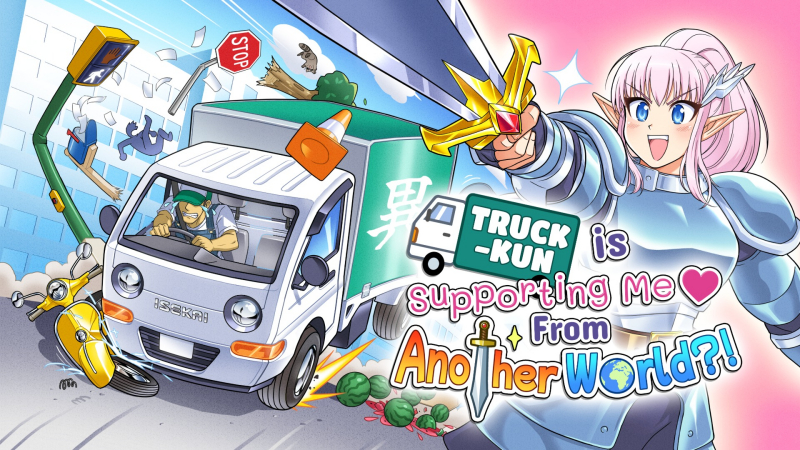
Truck-kun is Supporting Me from Another World?! (Switch 2): all the updates
On this page, you will find all there is to know about the various updates for Truck-kun is Supporting Me from Another World?! on Nintendo Switch 2.
Click here for more games and consoles updates!
Truck-kun is Supporting Me from Another World?! – Ver. ??? (Thank You Update)
- Release date: TBA
- Patch notes:
-
Skele-kun Skin
A requested view of Truck-kun after their lil’ wiggle was posted online. Now you can Be The Bones.
-
Milestone updates!
We’ve updated the milestones, and added a few more varied goals that to keep the spice of isekaing going strong!
-
Objective variety!
Remember that spice I mentioned? Well, we’ve added more objective types to add extra zing and spread them through the campaign for a stronger sense of meaningful progress!
-
Controller and keyboard remapping!
You’ll be able to update all gameplay keys to match your preferred setup! Finally!
-
Guns Out Mode!
Honestly, this one was requested way more than we expected and who are we to deny the power of Carissa’s guns! Head to the options menu to experience an alternate visual mode where Carissa’s buff arms are on full display as she kicks ass, take names, and fights her way back to the real world!
-
Other cool stuff!
We’ve put in concerted effort, using your feedback, to tidy up the game, and fix a whole bunch of bugs you helped us find.
- Additional notes: none
- Source: Strange Scaffold (Steam)
How to download updates for Truck-kun is Supporting Me from Another World?! on Nintendo Switch 2?
To download the updates for Truck-kun is Supporting Me from Another World?!, you have three options:
- let the console do its thing if you have automatic downloads activated, and didn’t completely turn it off
If not…
- try to launch the game from the Home Menu while being connected to the internet. You should get a prompt when doing so: simply follow the instructions on screen;
OR
- select the game > press either + or – to go to the Options page > select Software update > select Via the Internet.
To check that you have the latest version installed, simply select the game on the Home Menu, and press – or + to go to the Options: the version number is displayed just below the game title.
