
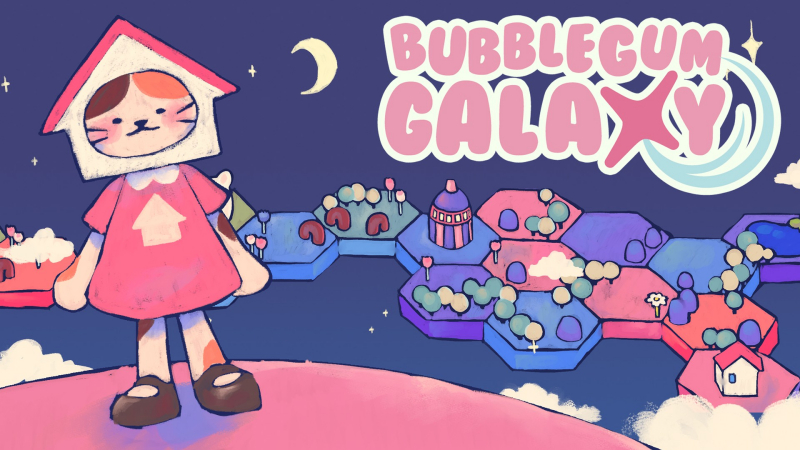
Bubblegum Galaxy (Switch): all the updates
On this page, you will find all there is to know about the various updates for Bubblegum Galaxy on Nintendo Switch.
Click here for more games and consoles updates!
Bubblegum Galaxy – Ver. ???
- Release date: TBA
- Patch notes:
- Fix multiple glitches in the game’s final level. The galaxy had glitched and Haco was supposed to fix it, true, but it was never supposed to be that full of bugs… Thanks to cee, a singular sparrow, allieguess, 乌鸦不是黑鸦 for the reports!
- We’ve also fixed the issues when quitting the game and repeating the cutscene before the final level.
- Fix issues with multiple achievements. Thanks to valetribi ♡‧₊˚, kate and ᘛ⁐̤ᕐᐷ for the report!
- If you’re having issues with the “Gold Medal” and “Around The Galaxy achievements, you should be able to unlock it now by going any normal level (excluding Simulated Galaxy levels), finishing all quests, and then finishing the planet.
- Fix issue where Bass friendship cutscene would not trigger and cause bugs with other friendship animations. Thanks to rincs for the report!
- Fix issue when purchasing in the store. Thanks to rincs for the report!
- Fix issue with endless mode costumes not unlocking despite meeting per-requsite score. Thanks ᘛ⁐̤ᕐᐷ for the report!
- Fix issue where you would see the architect level animation after every planet once you reached the max level. Thanks kate for the report!
- For the previous fix to activate, you have to watch the animation one more time, but after that you shouldn’t see it again.
- Fix issue where music volume setting did not affect in game music. Thanks Nyx for the report!
- Fixed lava lamp rendering issue
(and turned it into a flying lamp).Thanks LycanLen for the report! - Fix hitbox when clicking on Bun quadrant. Thanks hhoneyd3w for the report!
- Fixed multiple typos. Thanks to jesusu and cata for the reports!
- Additional notes: none
- Source: Astrolabe Games / Smarto Club (Steam)
How to download updates for Bubblegum Galaxy on Nintendo Switch?
To download the updates for Bubblegum Galaxy, you have three options:
- let the console do its thing if you have automatic downloads activated, and didn’t completely turn it off
If not…
- try to launch the game from the Home Menu while being connected to the internet. You should get a prompt when doing so: simply follow the instructions on screen;
OR
- select the game > press either + or – to go to the Options page > select Software update > select Via the Internet.
To check that you have the latest version installed, simply select the game on the Home Menu, and press – or + to go to the Options: the version number is displayed just below the game title.
