
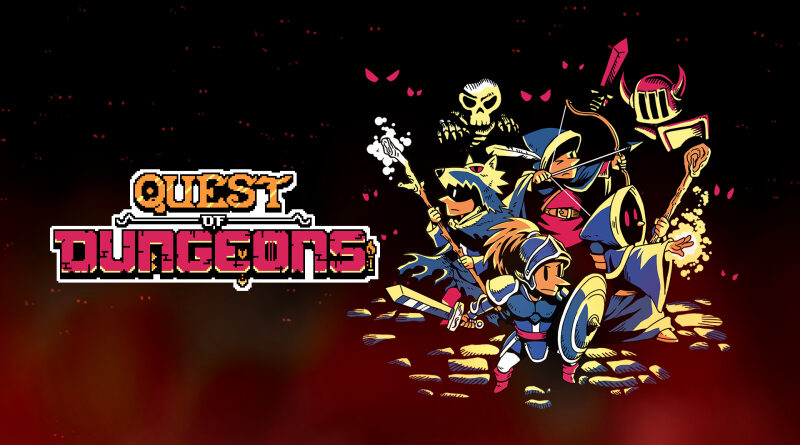
Quest of Dungeons (Switch, Switch 2): Software updates (latest: Ver. 1.0.2)
On this page, you will find all there is to know about the various updates for Quest of Dungeons on Nintendo Switch and Nintendo Switch 2.
Click here for more games and consoles updates!
Quest of Dungeons – Ver. ???
- Release date: August 27th 2026
- Patch notes:
No patch notes available yet. This update brings the following to the game:
- brings various improvements when playing on Nintendo Switch 2
- adds support for Joy-Con 2 mouse controls (you can switch controls at any time during gameplay)
- adds new Mansion Abyss mode!
- This is a new challenge mode for players who have survived the other adventure. Put your hard-earned skills and luck to the test and see if you can survive to the end.
- Additional notes: none
- Source: David Amador (Bluesky) / Nintendo
Quest of Dungeons – Ver. 1.0.2
- Release date: February 5th 2018 (worldwide)
- Patch notes:
- Tentative fix for freeze bug returning from Home/Sleep
- adds Video Capture
- Source: UpfallStudios
Quest of Dungeons – Ver. 1.0.1
- Release date: September 28th (worldwide)
- Patch notes:
- Fixed bug causing crash in Custom game mode with 110 x 110 floors;
- Minimap can now be closed by pressing the “-” button again, B still applies;
- Improved navigation in main menu options, some menus could be a bit “laggy” when closing;
- Improved overall save times (prob. barely noticeable);
- Fixed credits glitch;
- Fixed main menu animation artifact.
- Source: UpfallStudios
How to download Software updates for Quest of Dungeons on Nintendo Switch?
To download the updates for Quest of Dungeons manually, you have three options:
- let the console do its thing if you have automatic downloads activated, and didn’t completely turn it off
If not…
- try to launch the game from the Home Menu while being connected to the internet. You should get a prompt when doing so: simply follow the instructions on screen;
OR
- select the game > press either + or – to go to the Options page > select Software update > select Via the Internet.
To check that you have the latest version installed, press either + or – to go to the Options page. The version number is displayed right under the game’s title.
