
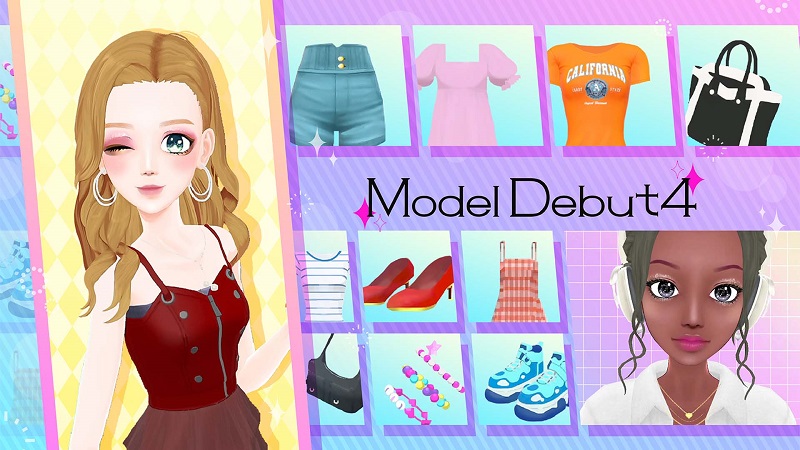
Model Debut 4 (Switch): all the updates (latest: Ver. 1.0.4)
On this page, you will find all there is to know about the various updates for Model Debut 4 on Nintendo Switch.
Click here for more games and consoles updates!
Model Debut 4 – Ver. 1.0.4
- Release date: January 20th 2026
- Patch notes:
- Fixed an issue causing the game to become unplayable when overwriting My Items.
- Fixed an issue preventing My Makeup from being overwritten.
- Fixed an issue causing a white screen to be displayed when selecting a 3D background during the second tutorial.
- Fixed an issue causing the public icon and ID to appear on other portraits when deleting a public portrait.
- Fixed other issues.
- Additional notes: none
- Source: FuRyu
Model Debut 4 – Ver. 1.0.3
- Release date: December 18th 2025
- Patch notes:
- Added “Trend Check” feature.
- Fixed an issue causing the game to become unresponsive after receiving portraits.
- Fixed an issue causing “Settings” not to be saved after restarting the game.
- Fixed an issue causing your portrait to appear in the Catalogue search results.
- Fixed an issue where registering “My Outfit” and “My Makeup” with a support model would cause the main model’s outfit to be registered instead.
- Fixed an issue with playing videos on Nico Post, where the character displayed in the video would be different.
- Fixed other issues.
- Additional notes: none
- Source: FuRyu
Model Debut 4 – Ver. 1.0.2
- Release date: November 26th 2025
- Patch notes:
- Fixed issues blocking progress during special lessons, tasks featuring support characters, and shopping
- Fixed display issues with magazine editing items
- Fixed issues with clothing items
- Fixed errors in text
- Other minor bug fixes
- Additional notes: none
- Source: FuRyu
Model Debut 4 – Ver. 1.0.1
- Release date: November 19th 2025
- Patch notes:
- Fixed bugs related to customization and colour changes.
- Fixed bugs related to online features.
- Fixed other minor bugs.
- Additional notes: none
- Source: FuRyu
How to download updates for Model Debut 4 on Nintendo Switch?
To download the updates for Model Debut 4, you have three options:
- let the console do its thing if you have automatic downloads activated, and didn’t completely turn it off
If not…
- try to launch the game from the Home Menu while being connected to the internet. You should get a prompt when doing so: simply follow the instructions on screen;
OR
- select the game > press either + or – to go to the Options page > select Software update > select Via the Internet.
To check that you have the latest version installed, simply select the game on the Home Menu, and press – or + to go to the Options: the version number is displayed just below the game title.
