
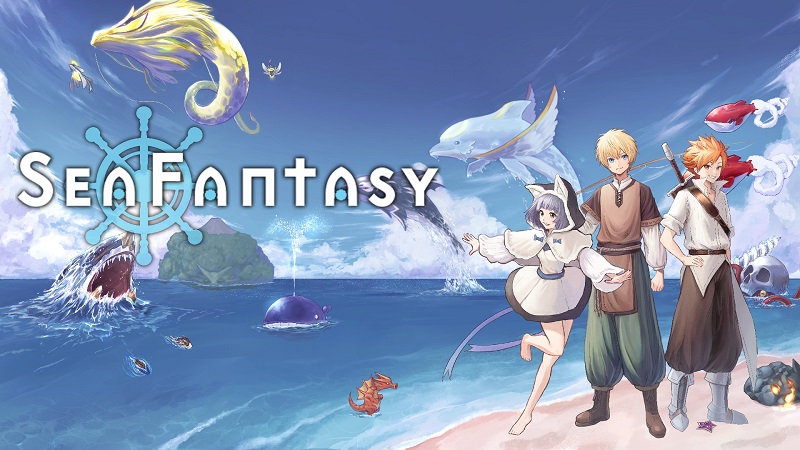
Sea Fantasy (Switch): all the updates (latest: Ver. 2.6.3)
On this page, you will find all there is to know about the various updates for Sea Fantasy on Nintendo Switch.
Click here for more games and consoles updates!
Sea Fantasy – Ver. 2.6.3
- Release date: ???
- Patch notes:
No patch notes available.
- Additional notes: none
- Source: game
Sea Fantasy – Ver. 2.6.0
- Release date: October 23rd 2025
- Patch notes:
There are still hidden secrets in Mithona’s laboratory…
Today (October 24th), we released the additional scenario “Mithona’s Ultimate Weapon,” a collaboration project with popular streamer Shinji-san!
Shinji appears as a Seers, appearing as a secret boss!
How to Start the Event
This additional scenario is playable after catching the Delta Kraken. After catching the Delta Kraken, speak to Faye in the jungle to begin the event.
Patch Notes
The following improvements and bug fixes have been made!
Improvements
- Improved game stability.
- As the above improvements have increased loading times, we are currently considering adjustments to shorten them.
- Added a new UI to the Sea’Az Book.
- Adjusted the camera movement in the “Pirate Ship” minigame.
- Made the font of speech bubbles easier to read.
Bug fixes
- Fixed an issue that allowed players to pass through walls in certain areas.
- Fixed an issue that caused unexpected behavior when skipping certain events.
- Fixed some typos.
- Additional notes: none
- Source: Metasla (Steam)
Sea Fantasy – Ver. 2.1.0
- Release date: ???
- Patch notes:
No patch notes available.
- Additional notes: none
- Source: game
Sea Fantasy – Ver. 2.0.0 (Demon World Edition)
- Release date: ???
- Patch notes:
Demon World Edition
- This update will add an episode about the fathers of the two main characters that was not recovered in the main story!
- More than 30 new Sea’Az
- More than 10 new fishing rods
- New island adventures
- New boss battles and mini-games
Update
Improvements:
- Changed SE when fishing with Frog Rod
- Adjust callout font
- Adjusted the difficulty level of the dungeon part
- Upgraded the effect of the Venom Rod
Bug Fixes:
- Fixed a bug when skipping some events
- Fixed a display bug with crafts
- Fixed a display bug in the end roll
- Additional notes: none
- Source: Metasla PR (27/06/2025) / Metasla (Steam)
How to download updates for Sea Fantasy on Nintendo Switch?
To download the updates for Sea Fantasy, you have three options:
- let the console do its thing if you have automatic downloads activated, and didn’t completely turn it off
If not…
- try to launch the game from the Home Menu while being connected to the internet. You should get a prompt when doing so: simply follow the instructions on screen;
OR
- select the game > press either + or – to go to the Options page > select Software update > select Via the Internet.
To check that you have the latest version installed, simply select the game on the Home Menu, and press – or + to go to the Options: the version number is displayed just below the game title.
